




Modems / Gateways


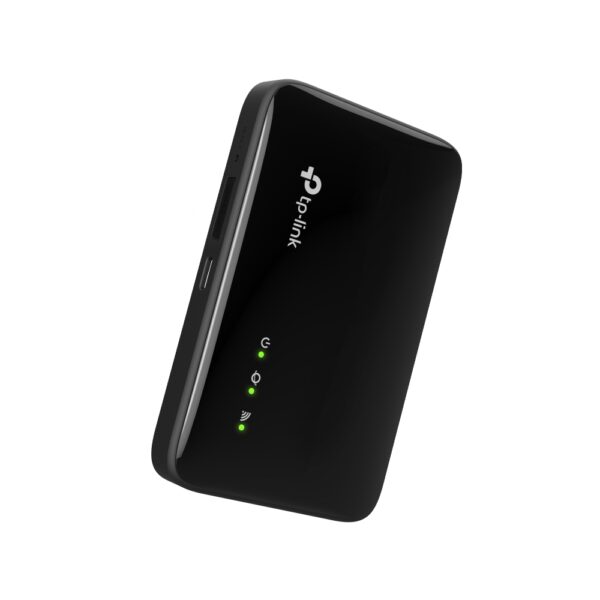


300 Mbps Wireless…
Original price was: 121 ₼.109 ₼Current price is: 109 ₼.


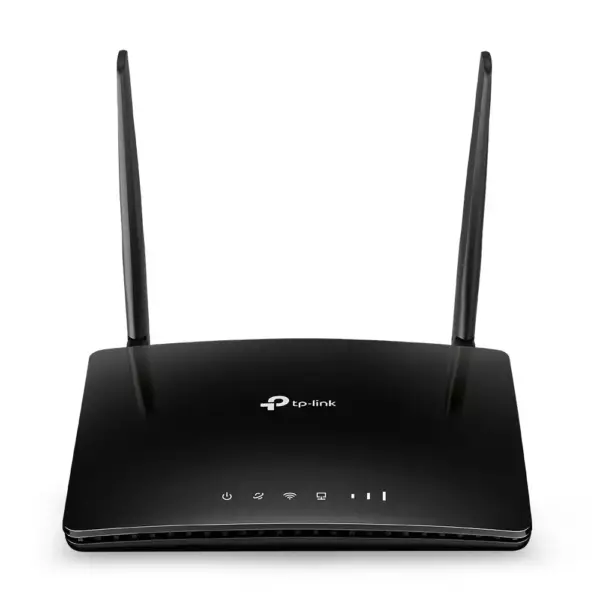
About Modems / Gateways.
Modems and gateways connect your home or office to the provider — over a telephone line, fibre or a mobile network — and share that connection with your devices.
4G and 5G routers work from a SIM card and are the practical answer where cable internet is unavailable or unreliable: a country house, a construction site, a temporary office, or as a backup line that takes over when the main provider goes down. DSL and fibre gateways combine a modem and a Wi-Fi router in one box, so there is one device instead of two.
When choosing a mobile model, the supported LTE/5G bands and antenna options matter more than the headline speed — a weak signal is best fixed with an external antenna. Tell us the address and operator and we will recommend a model. We are the official TP-Link partner in Azerbaijan.
Modem, router, or both in one? — for providers in Baku
The answer depends entirely on how the internet reaches your home. Work that out first and you will not end up returning the wrong device.
| What arrives at the flat | What you need |
|---|---|
| Fibre (GPON) — the provider left a small box | A router only. The provider box is the modem |
| A telephone line (ADSL/VDSL) | A DSL modem-router — modem and router in one unit |
| An Ethernet cable comes out of the wall | A router only |
| No cable internet at all | A 4G/LTE router that runs on a SIM card |
Double NAT — the most common problem
If the provider box has its own Wi-Fi and you put your router behind it, two devices are handing out the network at once. The result: lag in games, remote camera access that will not connect, and some apps dropping out. The fix is simple — put the provider device into bridge mode and switch its Wi-Fi off; after that only your router is in charge.
PPPoE and DHCP
Some operators in Baku use PPPoE, which means entering the username and password from your contract into the router. The rest use DHCP, where plugging in the cable is enough. If you are not sure which you have, provider support can tell you in a minute.
If you need the connection type identified, bridge mode configured and Wi-Fi set up, our Wi-Fi and router installation service starts from 25 ₼ and the visit in Baku is free.
Questions about modems and gateways
Can I use the provider modem together with my own router?
Yes, and it is the most common arrangement. Put the provider device into bridge mode, connect your router to it by cable into the WAN port, and run the whole network from your router.
Is a DSL modem-router still needed?
Only where the internet arrives over a telephone line. At addresses with fibre, a DSL device is not needed.
Can I replace the provider device entirely?
On fibre the provider ONT normally has to stay, because the line terminates in it. Putting your own device in its place is usually not possible, which is why bridge mode is used instead.
Will changing the modem fix weak Wi-Fi?
Usually not — the problem is coverage. That calls for a stronger router, a mesh system or an extender; swapping the modem does not raise the speed.
What about warranty?
Every device is sold by the official TP-Link partner in Azerbaijan with official warranty, and delivery in Baku is available.
A detailed article on this topicWhat Is MiFi and How to Choose One: Pocket 4G Router Guide Read →
Need installation too?
Router and mesh setup, ISP configuration and a Wi-Fi survey — from 25 ₼. Free site visit and quote in Baku, six months warranty.
Wi-Fi installation service →