




Video Recorders


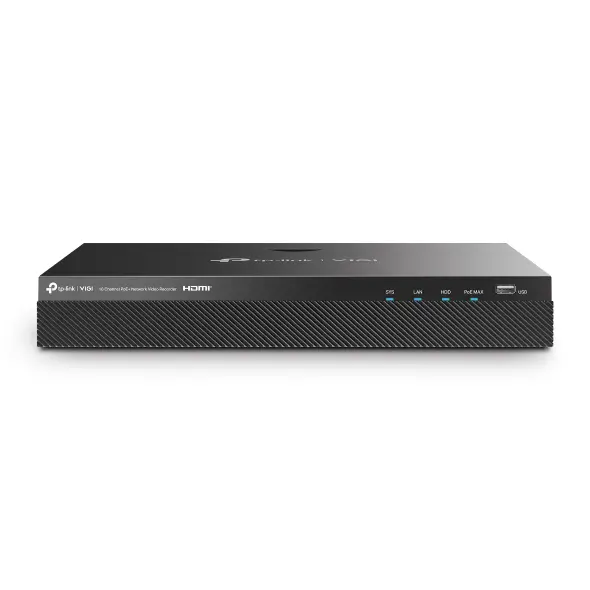

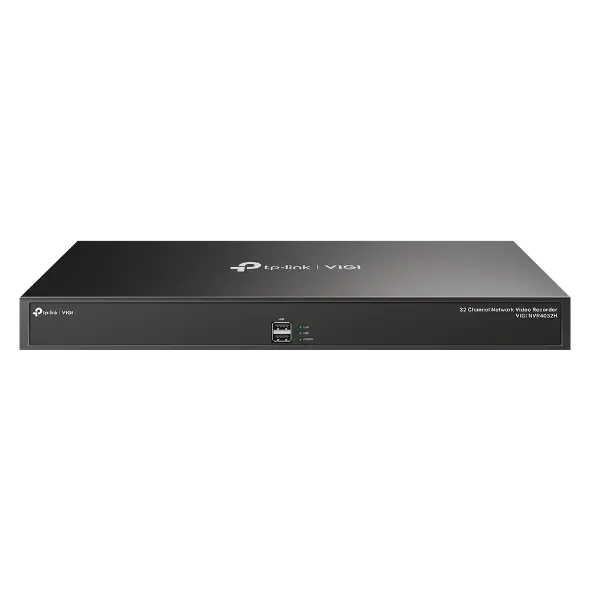


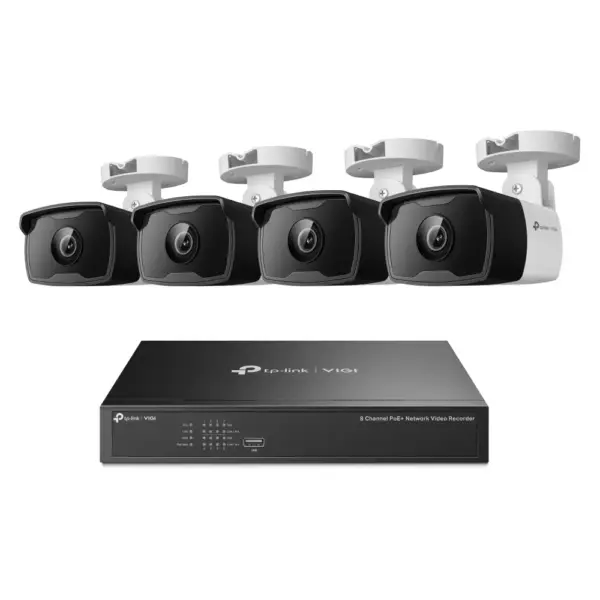

About Video Recorders.
Video recorders (NVR) are the heart of a camera system: they record every stream, store the footage and let you search it later.
TP-Link VIGI NVR models come in 4, 8, 16 and 32-channel versions, with and without built-in PoE ports. A PoE NVR powers the cameras directly, so one Ethernet cable per camera is all the installation needs. Hard drive bays take large-capacity disks for weeks or months of continuous archive, and H.265+ compression cuts the space each camera consumes.
Smart Search splits the archive into Human, Vehicle and Event files, and the AI-by-NVR feature brings people and vehicle detection even to cameras without their own AI. No subscription is required — everything runs locally. We are the official TP-Link partner in Azerbaijan and can specify the right channel count and disk size for you.
How to choose an NVR — by camera count
An NVR gathers the feeds from all your cameras in one place and writes them to a disk. Three things decide the choice: the channel count (how many cameras will connect), the PoE ports (whether cameras get power over the cable) and the disk size (how long the archive is kept).
1. Channels — leave headroom
Take one or two channels more than you have cameras today. If six cameras are planned, buy an 8-channel NVR — you will not have to replace the recorder when a seventh camera arrives.
2. With PoE ports or without?
An NVR with PoE ports lets you run a single network cable to each camera — no socket needed, so the installation is cheaper and tidier. A model without PoE costs less but needs a separate PoE switch or a power supply at every camera.
3. How much archive fits on a disk?
| Cameras | 2 TB disk | 4 TB disk |
|---|---|---|
| 4 cameras (2 MP, continuous) | ~12–18 days | ~25–35 days |
| 8 cameras (2 MP, continuous) | ~6–9 days | ~12–18 days |
| 8 cameras (motion only) | ~25–40 days | ~50–80 days |
The table is approximate — the real figure depends on resolution, frame rate and codec (H.264 / H.265). H.265 stores roughly twice as much archive on the same disk.
A typical setup in Baku
Shops and offices most often run 4–8 VIGI cameras with a PoE NVR and a 2–4 TB disk. Cable routes and viewing angles are finalised after a site visit; our camera installation service starts from 40 ₼ and the visit in Baku is free.
Frequently asked questions about NVRs
Does the NVR come with a disk?
Most models are sold without one — the disk is chosen separately. Drives built for surveillance last longer than ordinary desktop drives because they are designed for continuous writing.
Do the cameras and the NVR have to be the same brand?
TP-Link VIGI cameras are found automatically by a VIGI NVR and managed from one app. Other brands work over ONVIF too, though some features may be limited.
Does it record without internet?
Yes. The NVR is a local device, so recording continues when the internet drops. The connection is only needed for viewing remotely from a phone.
Can I watch it remotely?
Yes, the VIGI app gives you live view and the archive from anywhere, and several sites can be managed from one account.
Can I keep my existing cameras?
If they are IP cameras with ONVIF support, yes. Analogue cameras need a DVR or a converter instead of an NVR; in that case it is best to look at the existing setup before deciding.
A detailed article on this topicWhat Is VIGI Security Manager? Monitor and Set Up VIGI Cameras on a PC Read →
Need installation too?
Router and mesh setup, ISP configuration and a Wi-Fi survey — from 25 ₼. Free site visit and quote in Baku, six months warranty.
Wi-Fi installation service →