Powerline Adapters

Filters

About Powerline Adapters.

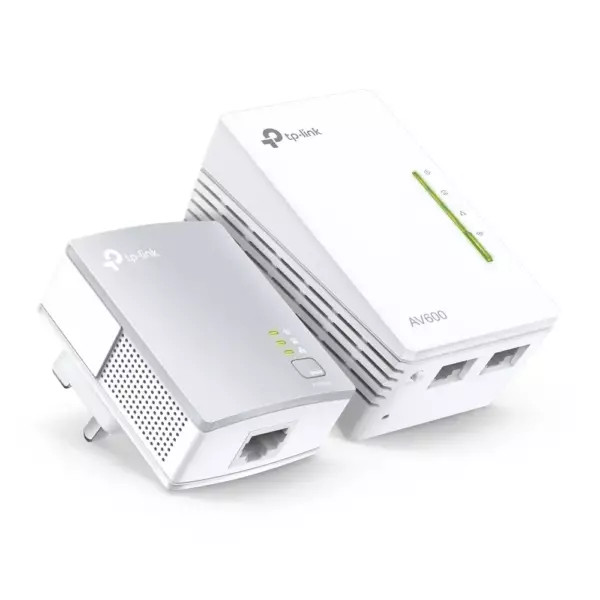
Powerline adapters carry your internet through the existing electrical wiring. Where Wi-Fi cannot get past thick walls or concrete floors, a pair of adapters gives a stable connection between two sockets — one next to the router, one in the far room.

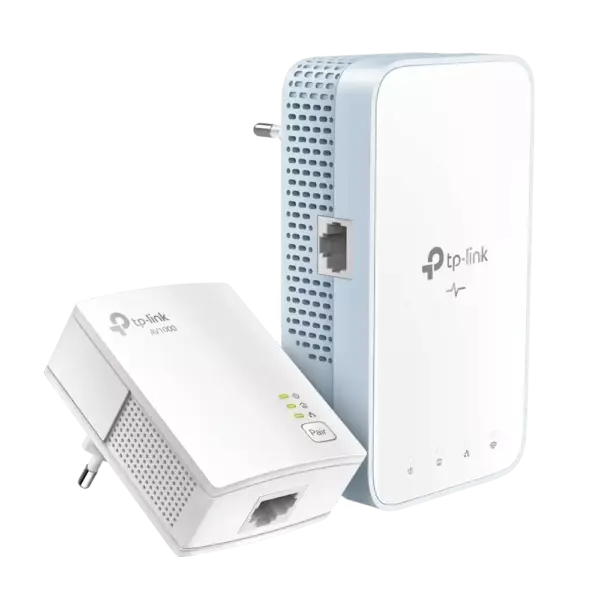
They are the simplest answer for a basement, a garage, an attic or a second floor, and for devices that need a reliable wired link rather than Wi-Fi: a smart TV, a game console, a desktop PC or an IP camera. Models with built-in Wi-Fi also create an access point at the far end, and OneMesh versions join your router under a single network name.

Both adapters must be on the same electrical phase, and a direct wall socket works better than an extension lead. Tell us the layout and we will suggest a model. We are the official TP-Link partner in Azerbaijan.

How to choose a powerline adapter — internet over the mains

Powerline (PLC) adapters carry internet through the building's electrical wiring: one adapter plugs in near the router, the other in the far room. When thick concrete walls kill Wi-Fi completely and running a cable is impossible, this is the most practical answer.

1. Who it suits

  • A far room with no Wi-Fi — a study, a basement, a room above the garage.
  • Older buildings with thick walls — where even an extender does not carry the signal.
  • Devices that need stability — smart TV, console, desktop computer.
  • Two-storey houses — connecting floors without new cabling.

2. Comparing the models

TypeExamplesWhat it gives
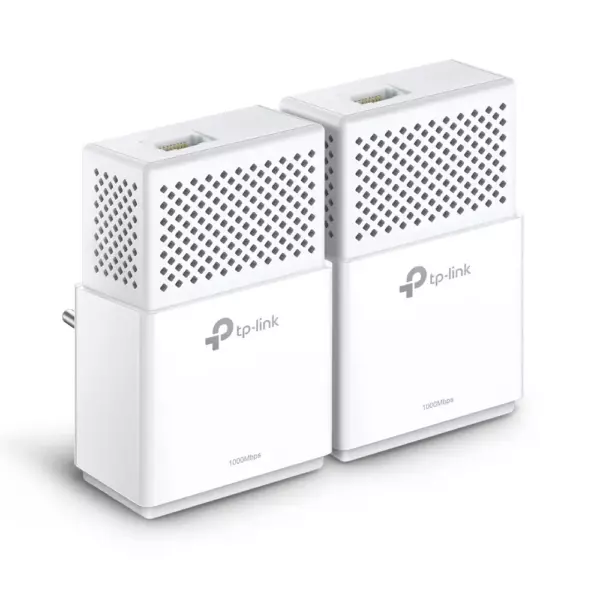
Plain pair (no Wi-Fi)TL-PA4010KIT, TL-PA7017KITA wired port in the far room — for a TV or computer
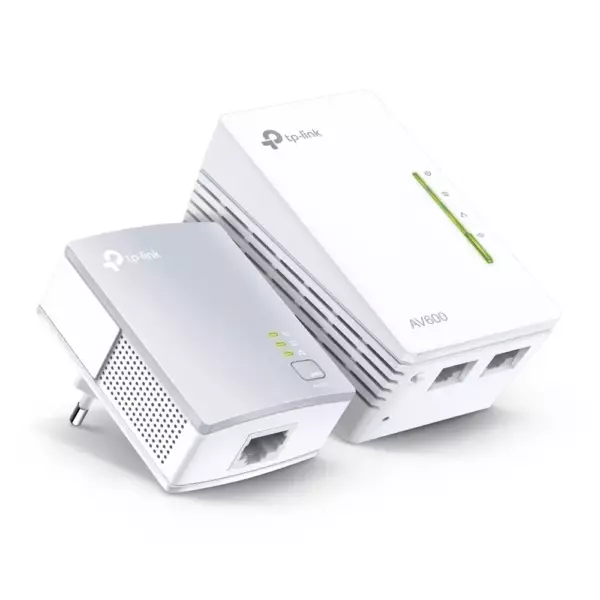
Pair with Wi-FiTL-WPA4220KIT, TL-WPA7517KITBoth a wired port and a new Wi-Fi point in that room
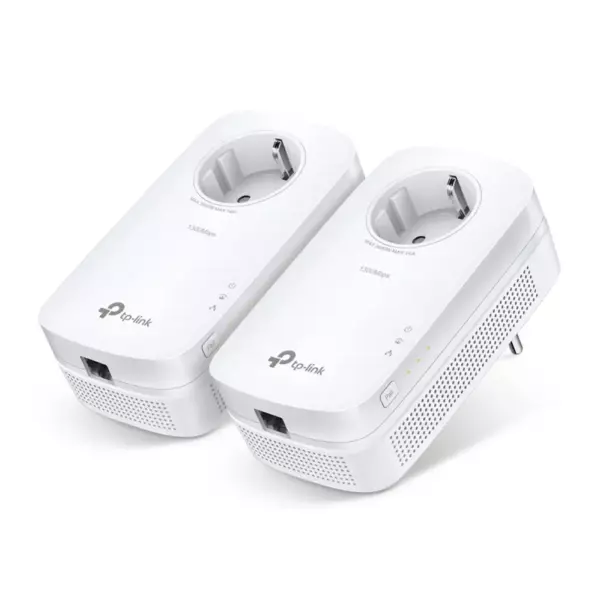
Pass-through socketversions ending in "P"Does not block the outlet — another device plugs in on top

The numbers (AV600, AV1000, AV1300) are theoretical speeds over the mains; the real figure depends on the wiring and is lower. For streaming and work choose AV1000 or above.

3. Using them correctly

Plug the adapters straight into a wall socket — extension leads, surge filters and UPS units cut the speed sharply. Both adapters must be on the same electrical phase and the same meter; in flats this is almost always the case, while houses may have separate phases. To start, press the "Pair" button on both units in turn.

4. Powerline, extender or mesh?

Powerline — when walls kill the signal. An extender — when the signal is weak but still reaches: the cheapest fix. Mesh (Deco) — when you want one network across the whole home.

Frequently asked questions

Does it work with old wiring?

Usually yes, though the speed may drop. With aluminium wiring and many joints the result is weaker — such cases are best tested in practice.

Can I use an extension lead?

Not recommended. Surge filters and UPS units in particular smother the signal. A wall socket is the right place.

What speed will I actually get?

The figure on the box is theoretical. In practice an AV1000 model usually delivers 100–300 Mbps — plenty for video and work.

Is the Wi-Fi version worth it?

If phones and laptops will connect in that room, yes. If it is only a TV or a computer, the plain wired pair is better value.

Do I need installation?

Usually not — two buttons and it runs. If it proves awkward, we offer installation in Baku.

Need installation too?

Router and mesh setup, ISP configuration and a Wi-Fi survey — from 25 ₼. Free site visit and quote in Baku, six months warranty.

Wi-Fi installation service →
Select the fields to display. The others will be hidden. Drag to reorder.
  • Image
  • SKU
  • Rating
  • Price
  • In stock
  • Availability
  • Add to cart
  • Short description
  • Description
  • Specifications
Click outside to hide the compare bar
Compare