
USB Adapters
AC600 Wireless Dual…
Original price was: 37 ₼.33 ₼Current price is: 33 ₼.
AC600 Nano Wireless…
Original price was: 26 ₼.24 ₼Current price is: 24 ₼.
AC1300 Mini Wireless…
Original price was: 47 ₼.43 ₼Current price is: 43 ₼.
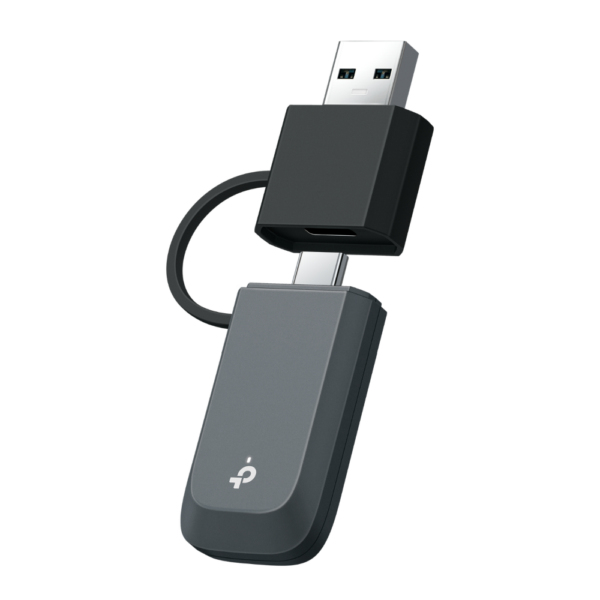
BE3600 Wi-Fi 7…
Original price was: 142 ₼.128 ₼Current price is: 128 ₼.
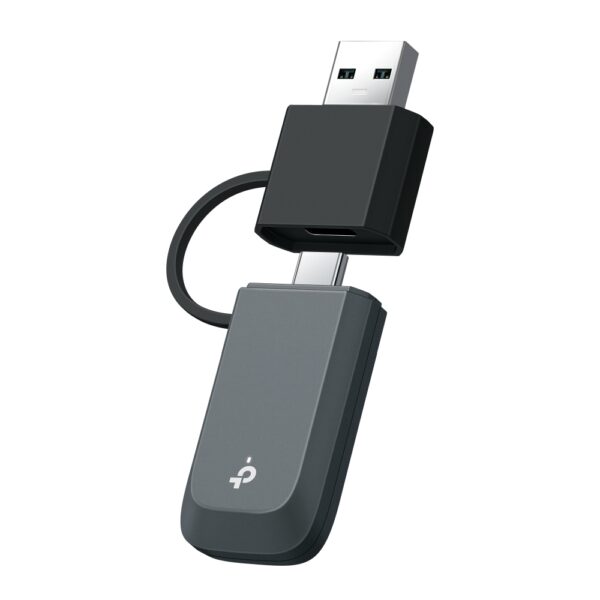
BE6500 Wi-Fi 7…
Original price was: 156 ₼.142 ₼Current price is: 142 ₼.
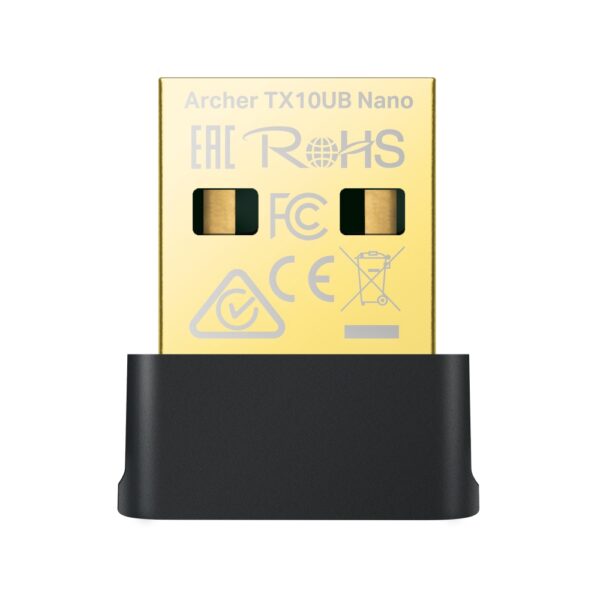
AX900 Nano Wi-Fi…
Original price was: 41 ₼.37 ₼Current price is: 37 ₼.
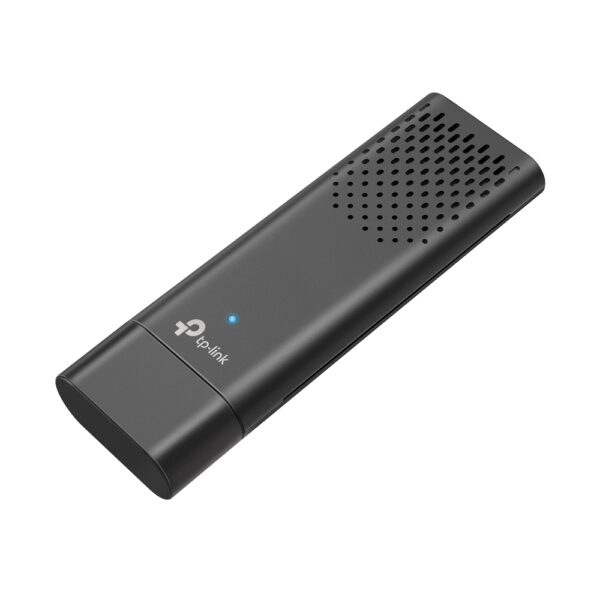
AX1800 Dual Band…
Original price was: 63 ₼.57 ₼Current price is: 57 ₼.
150Mbps Wireless N…
Original price was: 15 ₼.13 ₼Current price is: 13 ₼.
About USB Adapters.
USB Wi-Fi adapters are the fastest way to get a computer onto a wireless network — or onto a better one. Plug the adapter into a free USB port and a desktop PC without built-in Wi-Fi, or a laptop stuck on an old standard, connects at modern speeds.
Compact nano models disappear into the port and suit a laptop you carry around. Larger models with an external antenna reach further and hold the signal better in a room away from the router. Dual-band adapters use the 5 GHz band, which is far less crowded than 2.4 GHz in apartment blocks, and some models add Bluetooth in the same dongle.
It is also the cheapest way to actually benefit from a new Wi-Fi 6 router without replacing the computer. We are the official TP-Link partner in Azerbaijan.
How to choose a USB Wi-Fi adapter
A Wi-Fi adapter connects a desktop computer or an older laptop to wireless internet. People buy one in two situations: the computer has no Wi-Fi module at all, or the module is old and cannot see the 5 GHz band.
1. The main rule: 5 GHz support
Cheap single-band adapters work only on 2.4 GHz, a crowded and slower band. If your router is dual-band — and almost every current model is — choose a dual-band adapter (AC or AX): on 5 GHz the speed is several times higher and the latency lower.
2. Model comparison
| Model | Standard | Best for |
|---|---|---|
| TL-WN725N, TL-WN823N | N150–N300 (2.4 GHz) | The simplest needs — documents, messaging, video calls |
| Archer T2U, T3U | AC600–AC1300 | Dual band — everyday work and video |
| Archer T4U, T9UH | AC1300–AC1900 | Fast plans, a far room, models with antennas |
| Archer TX20U, TX50E | Wi-Fi 6 (AX) | A home with a Wi-Fi 6 router, gaming and downloads |
3. Nano or antenna model?
Nano models (TL-WN725N, T2U Nano) barely stick out of the port — handy on a laptop, but weaker at picking up signal. Antenna models (T9UH, T4U) make a clear difference in a far room or behind a wall. If the tower sits under the desk, choose antennas: the metal case smothers the signal.
4. Do you need Bluetooth?
Some models (TX20UH, Archer TX50E) include Bluetooth alongside Wi-Fi — no separate dongle for headphones, keyboards or gamepads.
5. Setup
Windows 10 and 11 recognise most models automatically. Occasionally a driver from the disc or from TP-Link's site is needed. Plug USB 3.0 models into a blue USB 3.0 port — a USB 2.0 port caps the speed.
Frequently asked questions
Which adapter is faster?
The dual-band ones (AC/AX). The final speed still depends on your router and plan — an AX adapter adds nothing to an old N router.
What should I pick for a desktop?
An antenna model (Archer T4U, T9UH) — the metal case means a nano adapter receives poorly. If possible, raise it onto the desk with a USB extension.
Do I need a driver?
On Windows 10/11 usually not. Older Windows or Linux may need a driver from TP-Link's site.
What if I also need Bluetooth?
Combined Wi-Fi + Bluetooth models exist — one port covers both.
Is there a warranty?
Yes, all equipment is sold with an official warranty from TP-Link's official partner in Azerbaijan.
Need installation too?
Router and mesh setup, ISP configuration and a Wi-Fi survey — from 25 ₼. Free site visit and quote in Baku, six months warranty.
Wi-Fi installation service →


