




Network Expansion


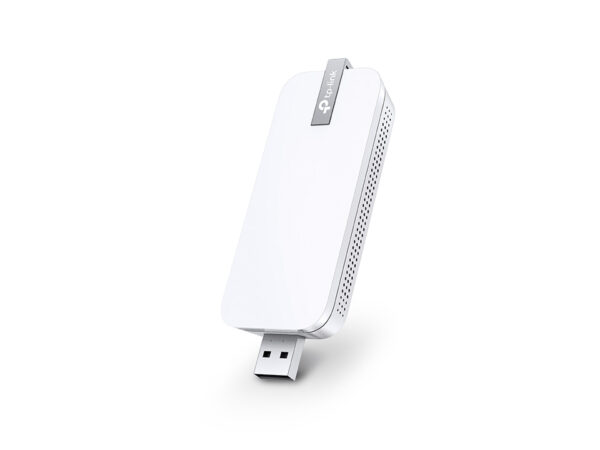


300Mbps Wi-Fi Range…
Original price was: 38 ₼.34 ₼Current price is: 34 ₼.
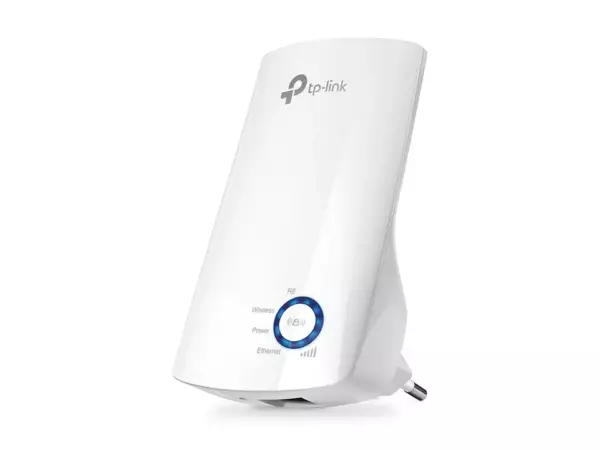
300Mbps Wi-Fi Range…
Original price was: 38 ₼.34 ₼Current price is: 34 ₼.
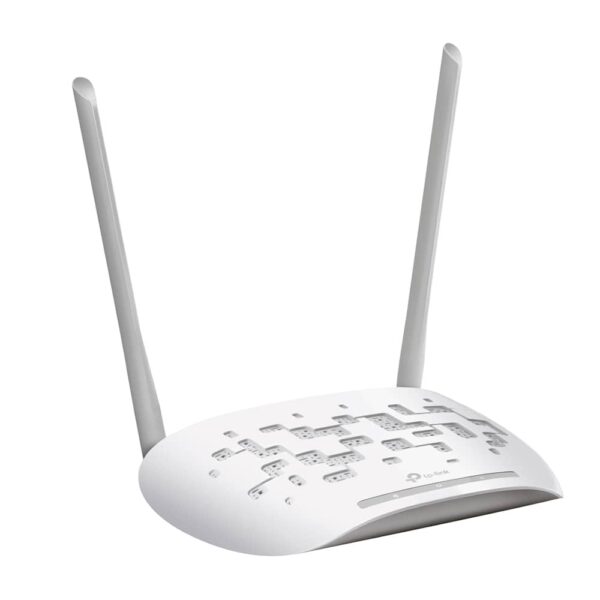


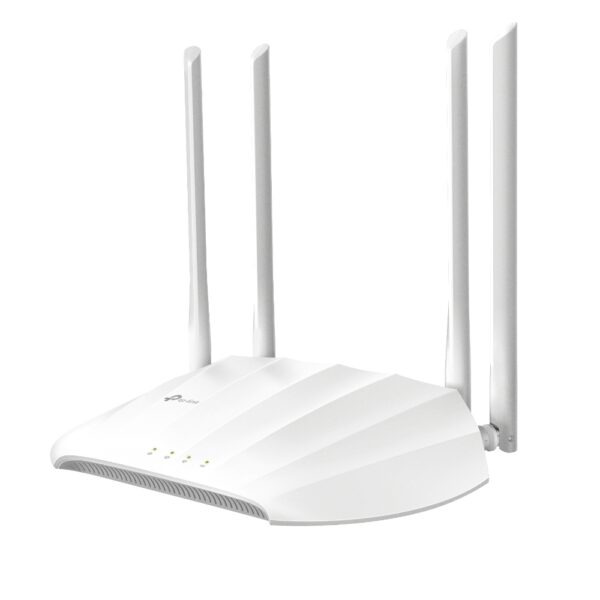
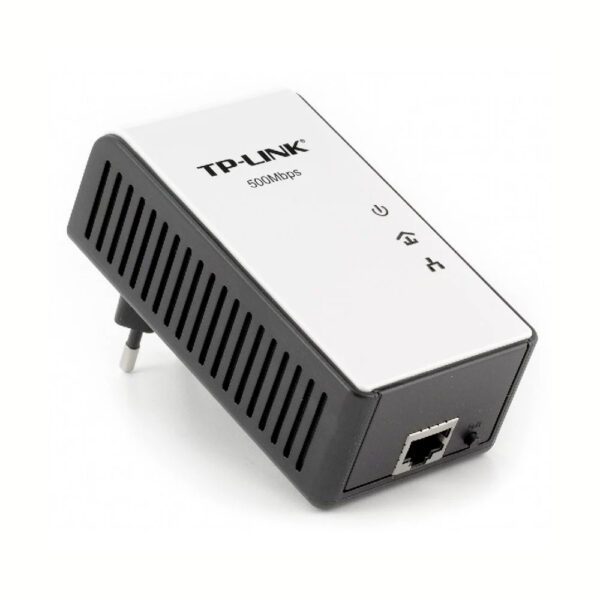
About Network Expansion.
Network expansion products fix the places your Wi-Fi does not reach — the far bedroom, the kitchen behind a thick wall, the garage or the upper floor.
There are three ways to do it. A range extender is the quickest and cheapest: plug it into a socket halfway to the dead zone. A powerline adapter carries the signal through your existing electrical wiring, which is ideal when walls are thick or floors are concrete. A Deco mesh system replaces patchwork coverage entirely with one network across the whole property and seamless handover between units.
Models with OneMesh or EasyMesh support join your existing router under a single network name instead of creating a second one. Tell us the layout and where the signal drops, and we will recommend the cheapest thing that actually solves it. We are the official TP-Link partner in Azerbaijan.
Wi-Fi drops out in one room — which fix suits you?
There are four ways to extend a network and they do not replace one another. The right choice depends on why the problem exists: is the signal weak, or absent altogether?
| Solution | When to choose it | Its weakness |
|---|---|---|
| Extender (repeater) | The signal still reaches the room, it is just weak | Speed drops by roughly half |
| Mesh system | The whole home needs one network, 120 m²+ or two floors | The most expensive option |
| Powerline adapter | A thick wall blocks the signal and cable cannot be run | Speed depends on the state of the wiring |
| Access point + cable | Cable exists in the wall or can be laid — the most stable result | Requires cabling work |
A simple order of decisions
1. Check the Wi-Fi level on your phone in the problem room. One or two bars → an extender is enough. No network visible at all → an extender will not help. 2. If cable can be laid → an access point, or a second router in AP mode, always gives the best result. 3. Cable is impossible and the wall is thick → powerline. 4. The problem is the whole home rather than one room → mesh.
The typical situation in Baku flats
In older buildings the load-bearing concrete walls cut 5 GHz almost completely — 2.4 GHz still gets through but at lower speed. In new builds the trouble is more often a long corridor and a stretched layout; there a mesh, or a well-placed second point, solves it.
Which option fits your flat is best decided by measuring on site — our Wi-Fi installation service includes a network survey, starts from 25 ₼, and the visit in Baku is free.
Questions about extending a network
Does an extender really halve the speed?
On a device connected through it, yes, because the same radio both receives and rebroadcasts. Devices connected straight to the router are unaffected. Dual-band models lose less.
Can I use my old router as a second point?
Yes, most routers have an access point mode. Connect it by cable to the main router and give it the same network name and password — in practice this works better than an extender.
Do mesh and an extender work together?
If your router supports OneMesh, a compatible extender forms a single network with it. A full mesh kit works on its own and rarely needs a separate extender added.
Does powerline work in every building?
If the wiring is not very old, yes. The best result comes when both sockets are on the same circuit; an extension lead or surge protector lowers the speed.
Do you help with installation?
Yes — the visit and quote in Baku are free and the work carries a 6-month warranty.
A detailed article on this topicWi-Fi Extender vs Powerline vs Mesh: Which One Do You Need? Read →
Need installation too?
Router and mesh setup, ISP configuration and a Wi-Fi survey — from 25 ₼. Free site visit and quote in Baku, six months warranty.
Wi-Fi installation service →