




Switches


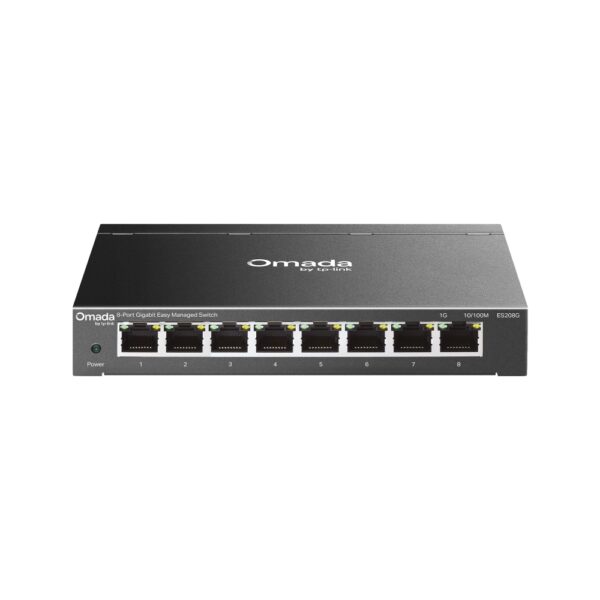

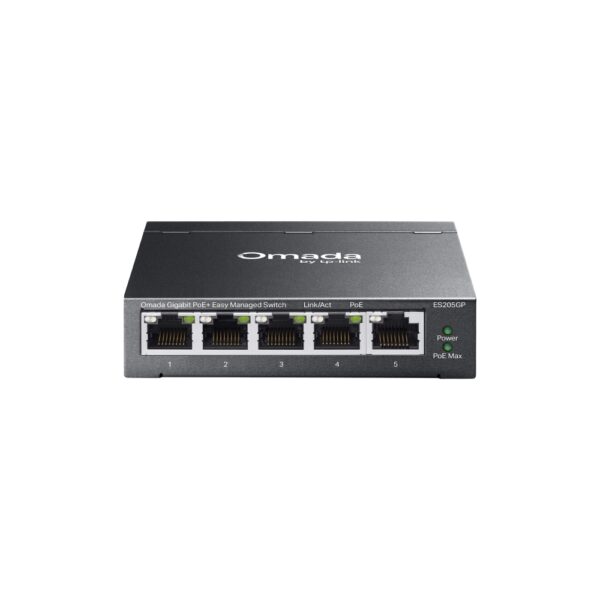
Omada 5-Port Gigabit…
Original price was: 110 ₼.100 ₼Current price is: 100 ₼.
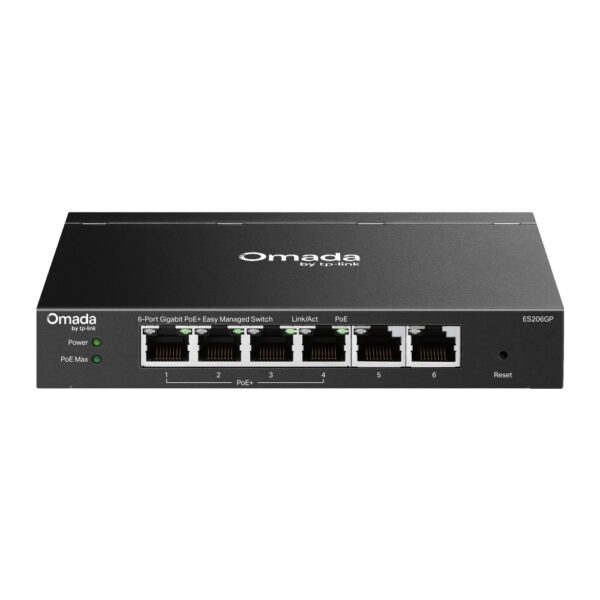
Omada 6-Port Gigabit…
Original price was: 131 ₼.119 ₼Current price is: 119 ₼.
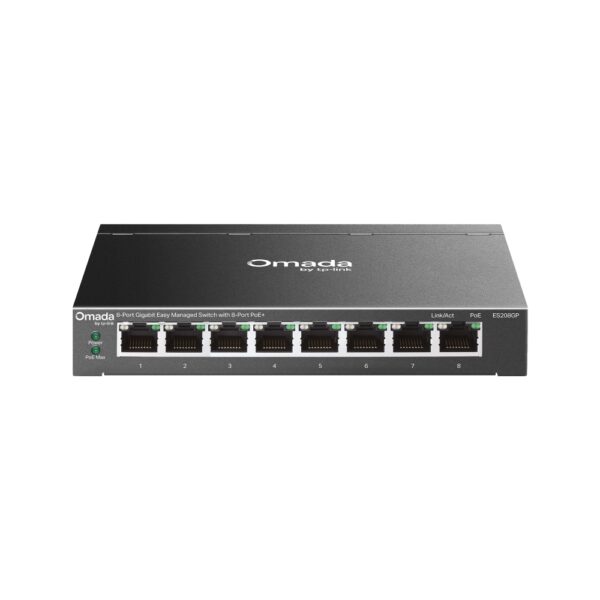
Omada 8-Port Gigabit…
Original price was: 179 ₼.162 ₼Current price is: 162 ₼.
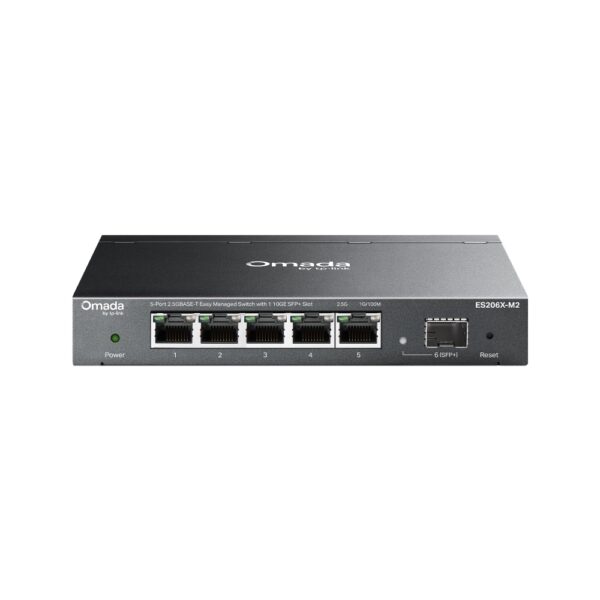
Omada 5-Port 2.5GBASE-T…
Original price was: 179 ₼.162 ₼Current price is: 162 ₼.
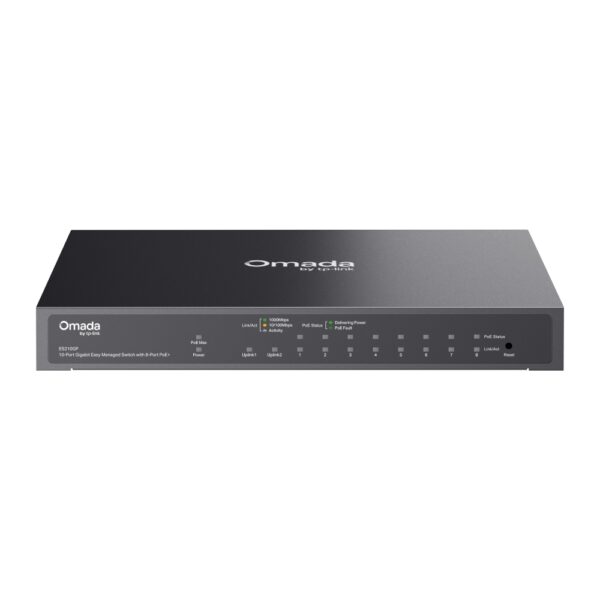
Omada 10-Port Gigabit…
Original price was: 215 ₼.195 ₼Current price is: 195 ₼.

Omada 8-Port Gigabit…
Original price was: 221 ₼.200 ₼Current price is: 200 ₼.

JetStream 8-Port Gigabit…
Original price was: 221 ₼.200 ₼Current price is: 200 ₼.
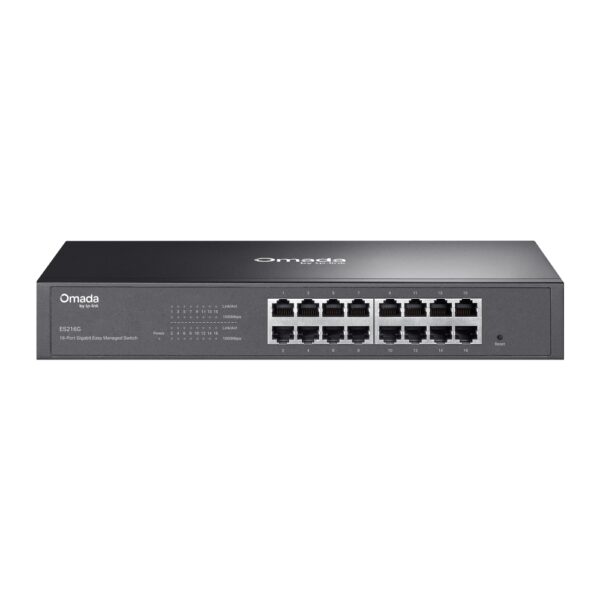
Omada 16-Port Gigabit…
Original price was: 221 ₼.200 ₼Current price is: 200 ₼.
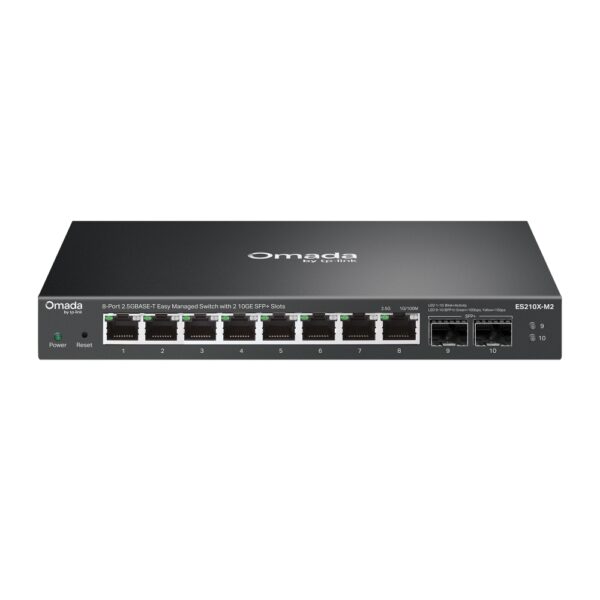
Omada 8-Port 2.5G…
Original price was: 242 ₼.219 ₼Current price is: 219 ₼.

Omada 8-Port Gigabit…
Original price was: 263 ₼.238 ₼Current price is: 238 ₼.
About Switches.
TP-Link switches are the backbone of any wired network — they connect computers, IP cameras, access points, printers and servers, and keep traffic moving without the bottlenecks of a cheap hub.
The range covers unmanaged models that work straight out of the box, Easy Smart and managed (L2/L2+) models with VLAN, QoS, link aggregation and port mirroring, and PoE / PoE+ models that power cameras and access points over the same Ethernet cable — no separate power supply at each point. Gigabit and 10G uplinks are available where throughput matters.
Switches in the Omada family are managed centrally together with routers and access points, locally or from the cloud. Tell us how many ports and how much PoE budget you need and we will size it correctly — we are the official TP-Link partner in Azerbaijan.
How to choose a SOHO switch — for home and small offices
A switch splits one network line between several devices: people buy one when the router runs out of ports and a TV, computer, console, printer or cameras need a wired connection. Three things decide the choice: port count, speed (100 Mbps or gigabit) and whether PoE is needed.
1. Speed: 100 Mbps or gigabit?
If your plan is faster than 100 Mbps, buy a gigabit model — a plain 100 Mbps switch drags the whole line down to its own level and you never see the speed you pay for. Models starting with TL-SG are gigabit, TL-SF are 100 Mbps. The price gap is small, the difference in result is not.
2. How many ports?
The rule: number of devices + 1 (the line from the router) plus some spare. Three devices — a 5-port model; six or seven — 8 ports; a small office — 16 or 24. Filling every port leaves you no room to grow.
3. Do you need PoE?
If cameras or access points will be connected, choose a PoE switch: one cable carries data and power, so no separate socket is needed. If only a computer and a TV are plugged in, PoE is unnecessary and a plain model costs less. For surveillance see the PoE switches section.
4. Managed or unmanaged?
| Type | Examples | Best for |
|---|---|---|
| Unmanaged | TL-SG105, TL-SG108, TL-SF1008D | Home, small office — plug in and forget |
| Unmanaged with PoE | TL-SG1005P, TL-SG1008P | 2–4 cameras or access points |
| Smart / managed | TL-SG105E, TL-SG108E, TL-SG2008 | VLANs, separating guest traffic, monitoring |
| Rack-mount (19") | TL-SG1016, TL-SG1024 | Office cabinet, 16–24 points |
At home and in a small office an unmanaged model is perfectly enough. The "E" models make sense once you need VLANs, port monitoring or traffic limits.
5. Installation and cabling
A switch needs no configuration: plug the router's cable into any port. Use Cat5e or Cat6 cable with a maximum run of 100 metres. If it goes into a metal cabinet, check the ventilation.
Frequently asked questions
Does a switch slow the internet down?
A gigabit one does not. A 100 Mbps model caps every connected device at that speed, which is obvious on a fast plan.
What is the difference between a switch and a router?
A router shares the internet and provides Wi-Fi; a switch only adds wired ports and does not provide internet on its own.
How many ports should I buy?
Add one port for the router line and one or two spare to your device count. For four devices an 8-port model is comfortable.
Which switch do cameras need?
One with PoE. With more than four cameras, or outdoor ones, the PoE budget matters — we calculate it during the site visit.
Is there a warranty?
Yes, all equipment is sold with an official warranty from TP-Link's official partner in Azerbaijan.
Need design and installation?
Office network design, cabling, switch and access point setup — from 200 ₼. Free site visit in Baku, six months warranty.
Office network service →