TP-Link IES208G

Omada 8-Port Gigabit Industrial Easy Managed Switch

Original price was: 425 ₼.Current price is: 385 ₼.

Birbank logo
Installment payment calculator with Birbank
Installment payment terms apply to the non-discounted price
0%
2 mon.
0%
3 mon.
0%
4 mon.
0%
5 mon.
0%
6 mon.
Monthly payment 212.5 ₼
Need installation too?Site visit and quote in Baku are freeOffice network setup →

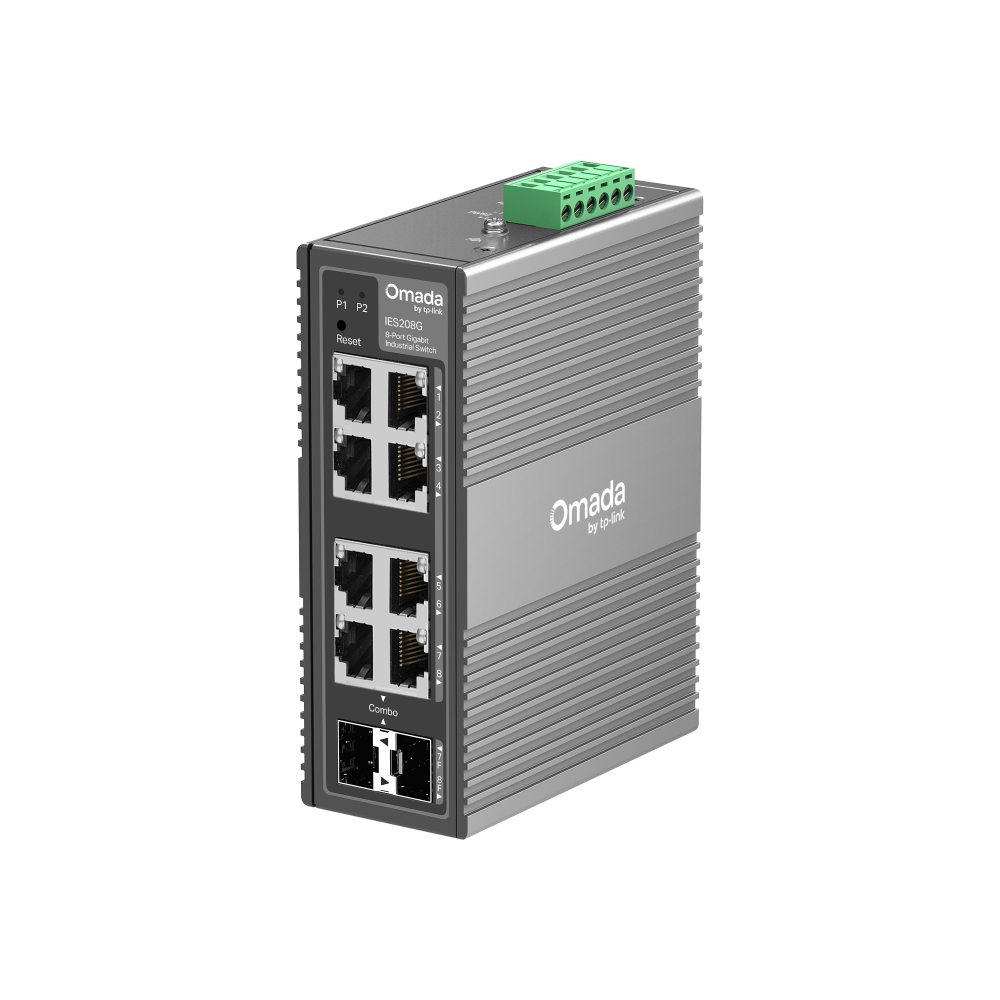
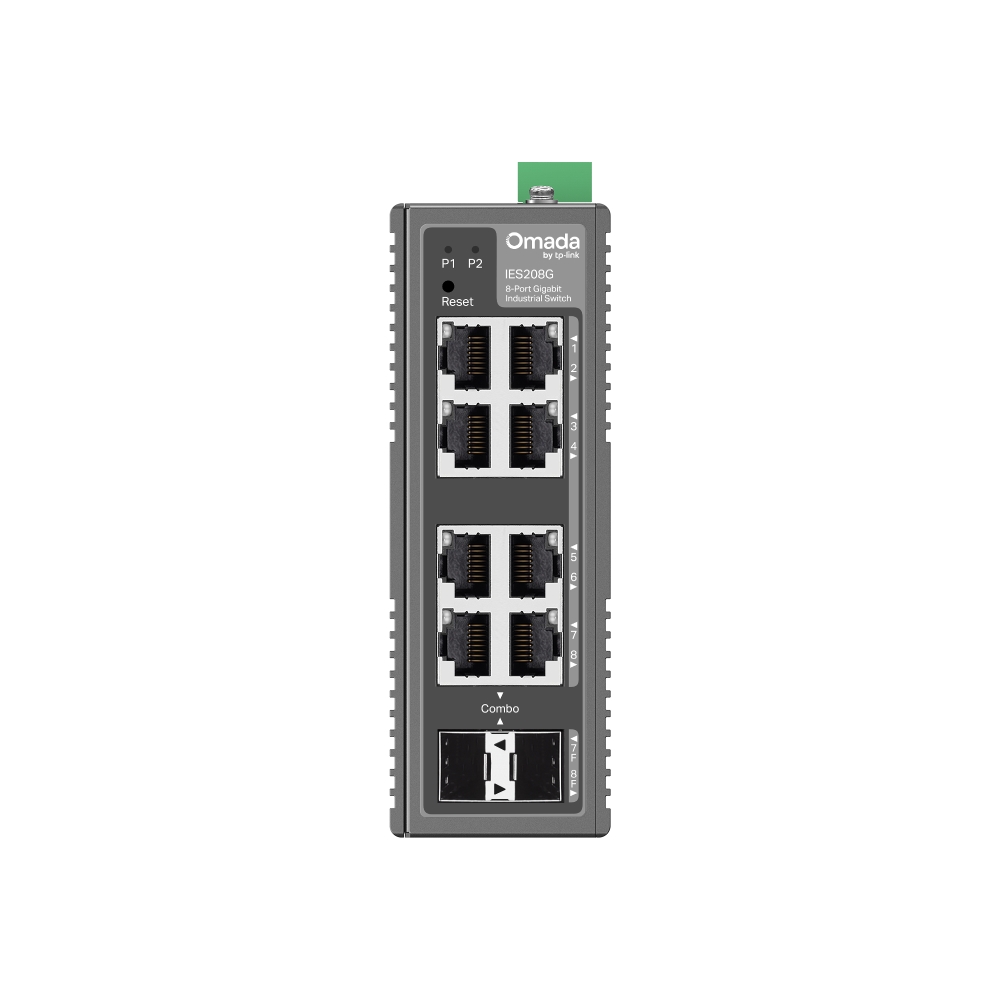
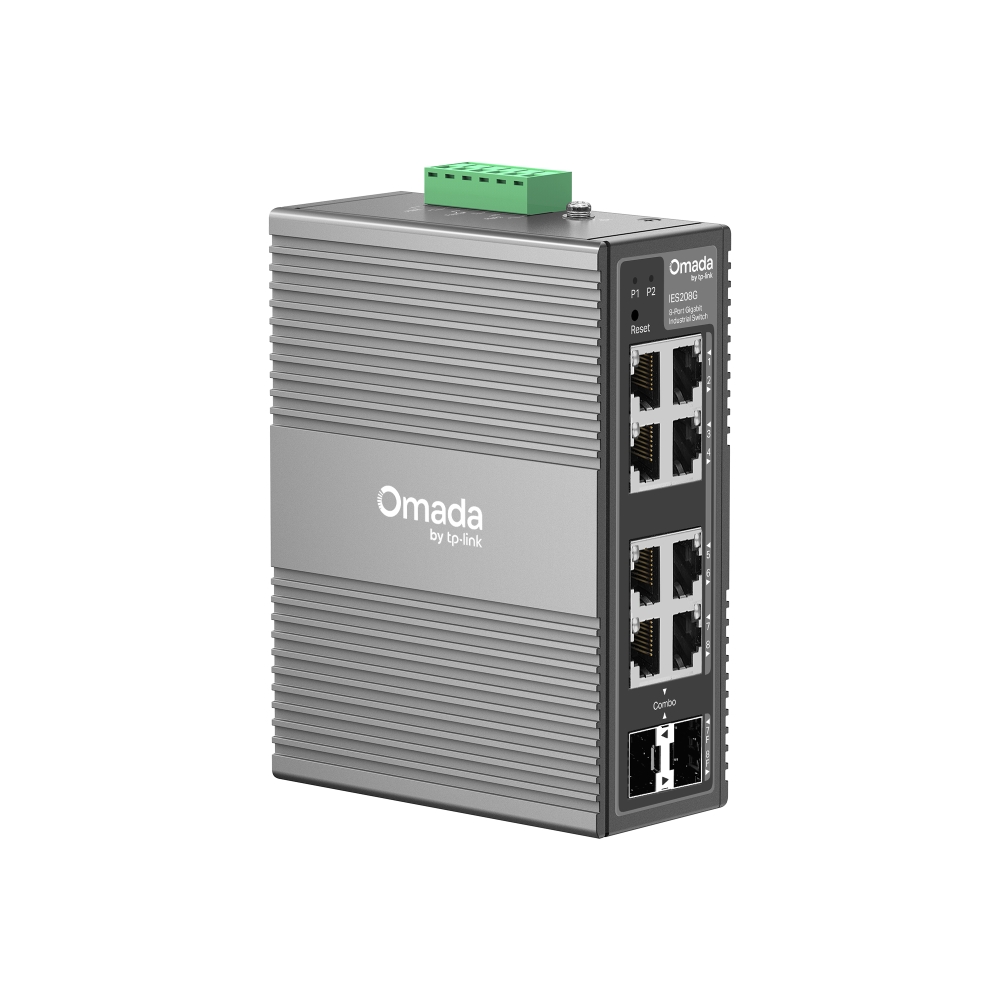
TP-Link IES208G is an industrial Gigabit switch built for harsh environments. Eight Gigabit ports (6× RJ45 and 2× RJ45/SFP Combo) bring security cameras, controllers and industrial equipment onto a single network.

  • 8× Gigabit ports — 6× RJ45 and 2× RJ45/SFP Combo, a choice between copper and fibre;
  • −40 to 75 °C operating temperature — works in unheated rooms, outdoor cabinets and production halls;
  • 6 kV surge protection — extra resilience for long external cable runs;
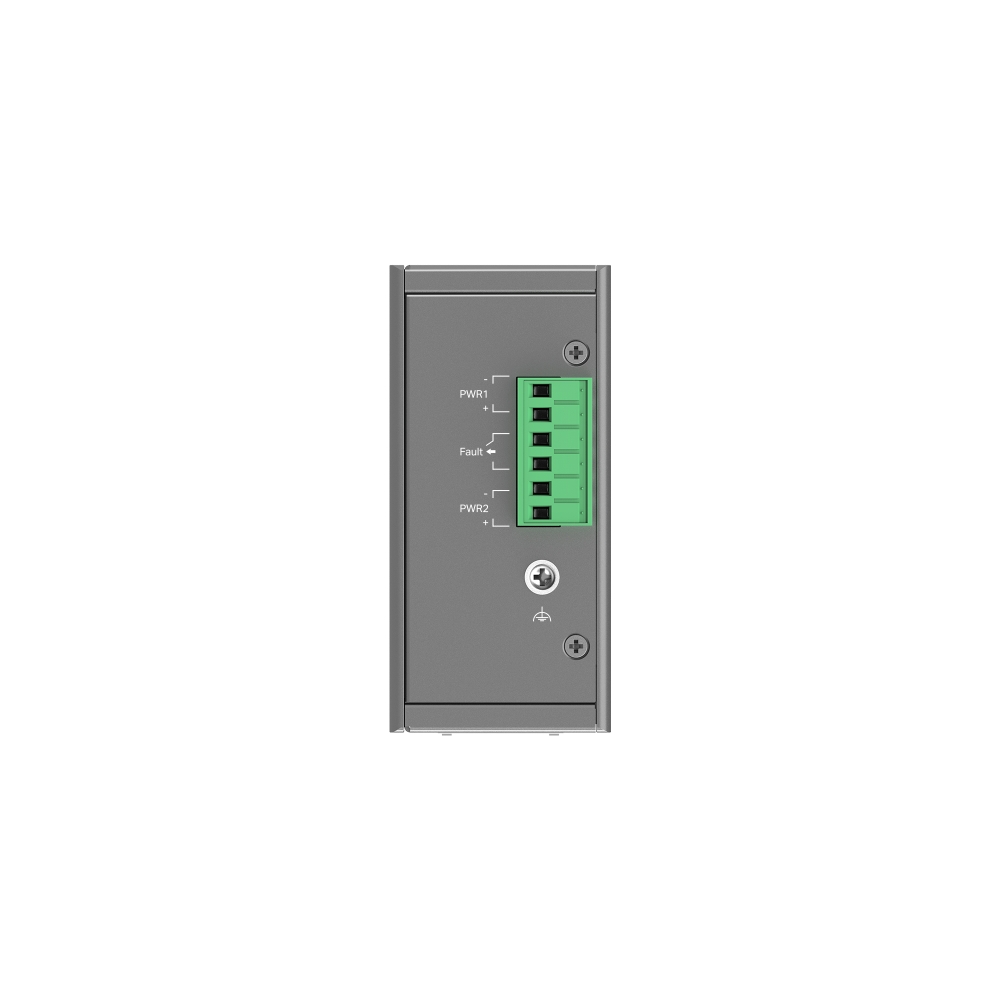
  • 1+1 redundant power input — if one source fails, the switch keeps running without interruption;
  • VLAN, QoS and STP/RSTP — network segmentation, traffic prioritisation and a backup path in ring topologies;
  • DIN-rail mounting, fanless design — easy installation in an industrial cabinet, no moving parts.

Intended for video surveillance systems, SCADA networks, transport and manufacturing sites. Supplied with the official TP-Link partner warranty in Azerbaijan.

HARDWARE FEATURES
Interface • 6× 10/100/1000 Mbps RJ45 Ports
• 2× Gigabit SFP/RJ45 Combo Slots
• Auto-Negotiation/Auto MDI/MDIX
Fan Quantity Fanless
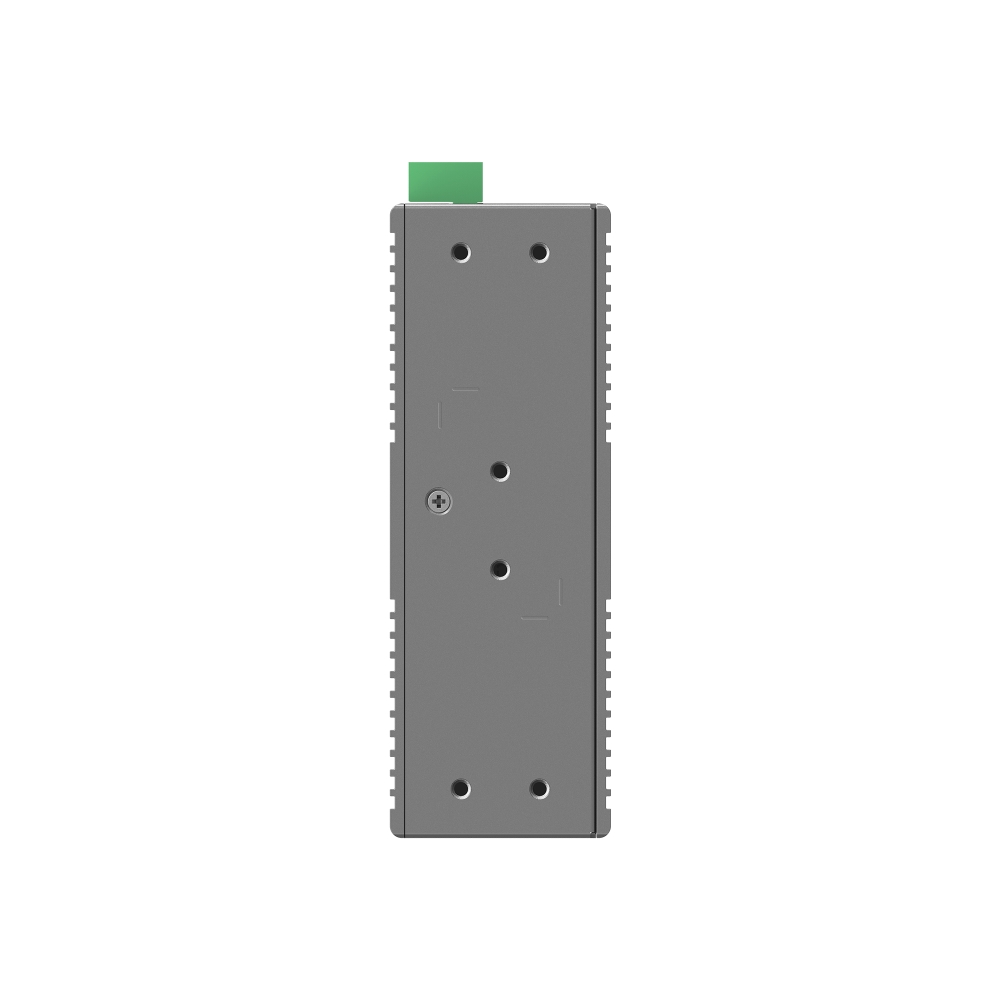
Installation • DIN-rail mounting
• Wall mounting
Power Supply 9.6-60V 1+1 Redundant DC Power Input
Dimensions ( W x D x H ) 5.1 × 3.7 × 1.8 in (129 × 95 × 45 mm)
Surge Protection • ±6 kV in common mode for Ethernet ports
• ±4 kV in common mode for DC power input ports
PERFORMANCE
Packet Buffer Memory 4 Mbit
Jumbo Frame 15 KB
Switching Capacity 16 Gbps
Packet Forwarding Rate 11.9 Mpps
MAC Address Table 8K
SOFTWARE FEATURES
Quality of Service • 802.1p DSCP Priority
• 8 Priority Queues
• Priority Schedule Mode
– WRR (Weighted Round Robin)
• Queue Weight Config
• Bandwidth Control
– Port-Based Rate Limit
• Storm Control
– Multiple Control Modes (kbps/pps)
– Broadcast/Multicast/Unknown-Unicast Control
L2 Features • Link Aggregation
– Static Link Aggregation
– Up to 2 aggregation groups and up to 4 ports per group
• Loopback Detection
• Flow Control
– 802.3x Flow Control
• Mirroring
– Port Mirroring
– One-to-One
– Many-to-One
– Ingress/Egress/Both
• Port Statistics
– Port Mirror Status
– Traffic Statistics
• 802.1ab LLDP
• Spanning Tree
– STP (802.1d)
– RSTP (802.1w)
L2 Multicast • IGMP Snooping
– IGMP v1/v2/v3 Snooping
– Fast Leave
VLAN • MTU VLAN
• Port-Based VLAN
• 802.1Q Tag VLAN
– Max 32 VLAN Groups
– 4K VID
Transmission Method Store-And-Forward
Management Features
Omada App Yes. Requires the use of Omada Hardware Controller, Omada Cloud-Based Controller, or Omada Software Controller.
Centralized Management • Omada Cloud-Based Controller
• Omada Hardware Controller
• Omada Software Controller
Cloud Access Yes. Requires the use of Omada Hardware Controller, Omada Cloud-Based Controller, or Omada Software Controller.
Zero-Touch Provisioning Yes. Requires the use of Omada Cloud-Based Controller
Management Features • Web-based GUI
• DHCP Client
• Cable Diagnostics
• Digital Diagnostic Monitoring (DDM)
• Automatic Device Discovery†
• Batch Configuration†
• Batch Firmware Upgrading†
• Unified Configuration†
OTHERS
Certification FCC, CE, RoHS
Package Content • IES208G
• DIN-Rail Mounting Bracket
• Wall-Mounting Plates
• Installation Guide
Environment • Operating Temperature: -40℃~75℃ (-40℉~167℉)
• Storage Temperature: -40℃~85℃ (-40℉~185℉)
• Operating Humidity: 5%~95% non-condensing
• Storage Humidity: 5%~95% non-condensing

Reviews

There are no reviews yet.

Be the first to review “TP-Link IES208G”

Your email address will not be published. Required fields are marked *

Related Products

What TP-Link IES208G is for

TP-Link IES208G is a switch for extending a wired network. People buy one when the router has run out of ports and cameras, computers, a printer, an NVR and access points all need to join the same network. A wired connection is always more stable and lower-latency than Wi-Fi.

Buying advice: take 30–50% more ports than you need today, so you do not have to replace the switch when another camera or computer arrives. If cameras will be connected, choose a model with PoE ports and make sure the power budget (W) exceeds the total draw of those cameras.

Key specifications

8× Gigabit ports6× RJ45 and 2× RJ45/SFP Combo, a choice between copper and fibre;
−40 to 75 °C operating temperatureworks in unheated rooms, outdoor cabinets and production halls;
6 kV surge protectionextra resilience for long external cable runs;
1+1 redundant power inputif one source fails, the switch keeps running without interruption;
VLAN, QoS and STP/RSTPnetwork segmentation, traffic prioritisation and a backup path in ring topologies;
DIN-rail mounting, fanless designeasy installation in an industrial cabinet, no moving parts.

Price in Baku, delivery and installation

The current price on the site is 385 ₼. It includes the official TP-Link warranty, delivery in Baku and shipping to the regions on request.

If you also need installation, our Office network setup service starts from 200 ₼; the site visit and quote in Baku are free and we give a 6-month warranty.

Before you choose

For a comparison with the closest models, a price table and buying advice, see the guide for this category.

Frequently asked questions about TP-Link IES208G

What is the difference between managed and unmanaged?

An unmanaged switch works the moment you plug it in and needs no configuration — enough for a home or a small office. Managed (and Easy Managed) models add VLANs, QoS, port isolation and monitoring, which you need when the camera network must be separated from the office network or traffic has to be controlled.

Does TP-Link IES208G power the cameras?

Only on models with PoE ports. With PoE, a single network cable to the camera is enough — no separate socket. The total power budget of the switch must be higher than the combined draw of the cameras.

Do you build office networks?

Yes. Our office network service covers cabling, placing switches and access points, and configuring VLANs and Wi-Fi. The site visit and quote in Baku are free.

What about warranty and delivery?

The device is sold by the official TP-Link partner in Azerbaijan with official warranty. Delivery in Baku is available and shipping to the regions is possible. If you need installation, see our services page.

Select the fields to display. The others will be hidden. Drag to reorder.
  • Image
  • SKU
  • Rating
  • Price
  • In stock
  • Availability
  • Add to cart
  • Short description
  • Description
  • Specifications
Click outside to hide the compare bar
Compare