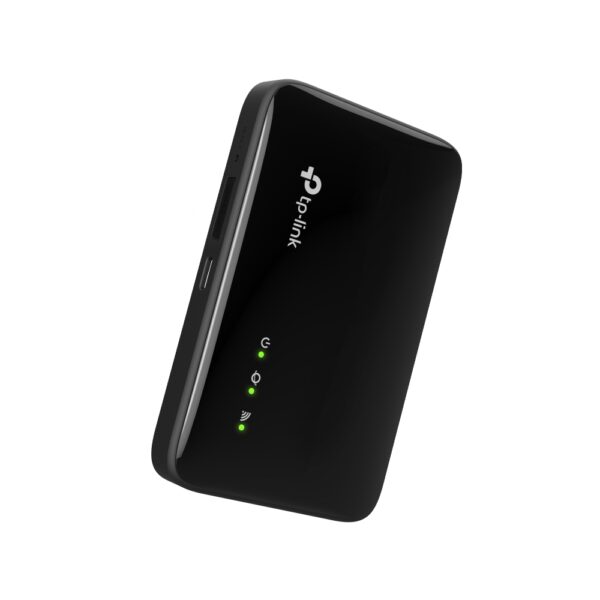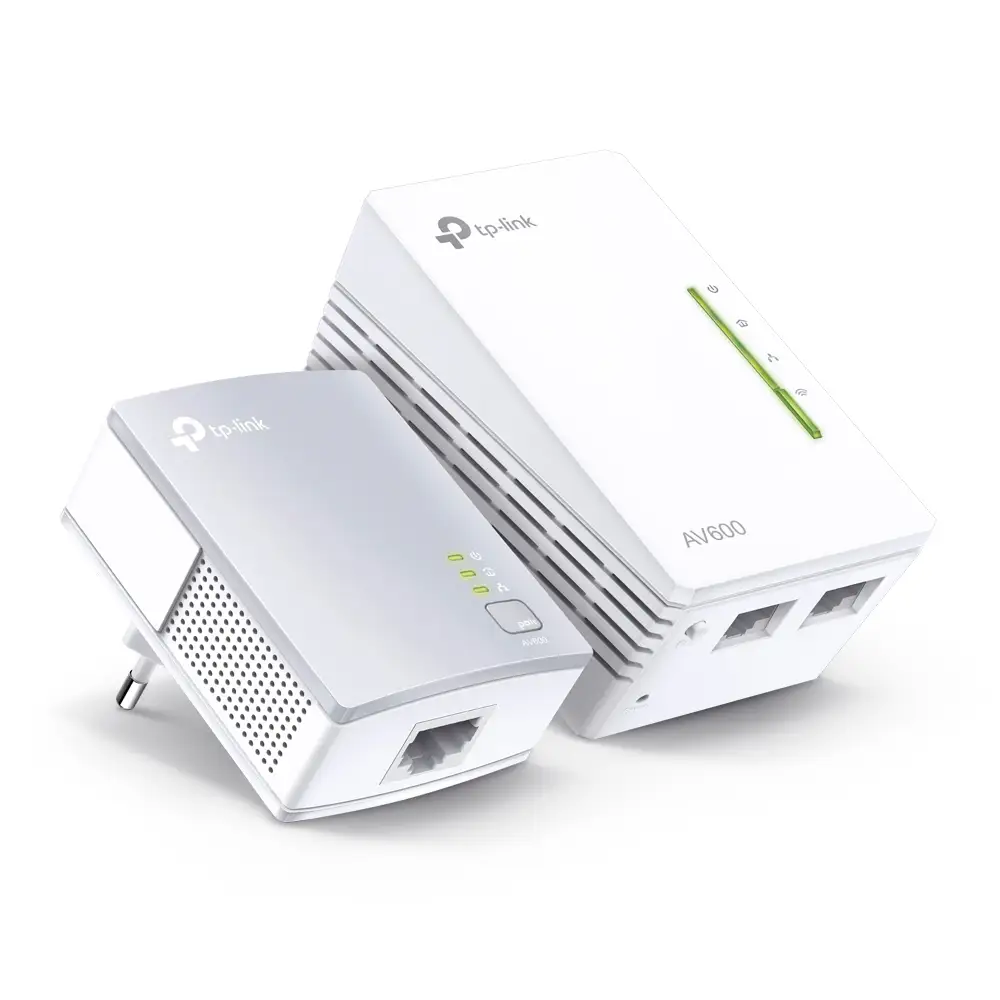
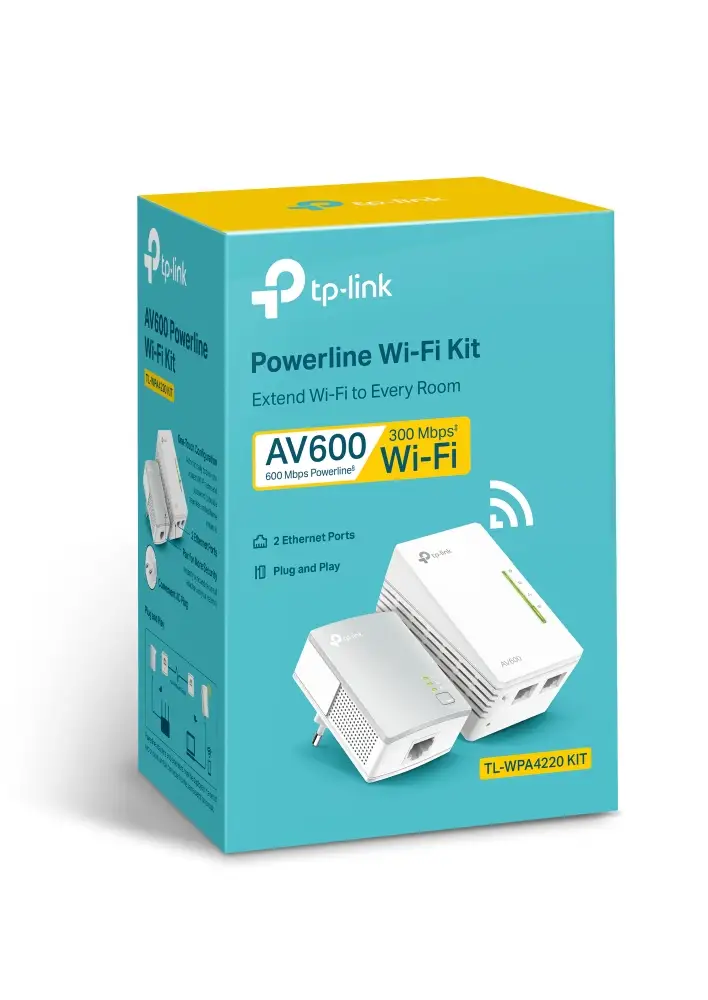
TP-Link TL-WPA4220 KIT

AV600 Powerline Wi-Fi Kit

172 ₼

Birbank logo
Installment payment calculator with Birbank
Installment payment terms apply to the non-discounted price
0%
2 mon.
0%
3 mon.
0%
4 mon.
0%
5 mon.
0%
6 mon.
Monthly payment 93.5 ₼
Need installation too?Site visit and quote in Baku are freeWi-Fi and router installation →
  • HomePlug AV2 Standard – Provides fast powerline transfer speeds of up to 600 Mbps*
  • 300Mbps Wi-Fi – Extend 300 Mbps wireless connections to previously hard-to-reach areas of your home and office*
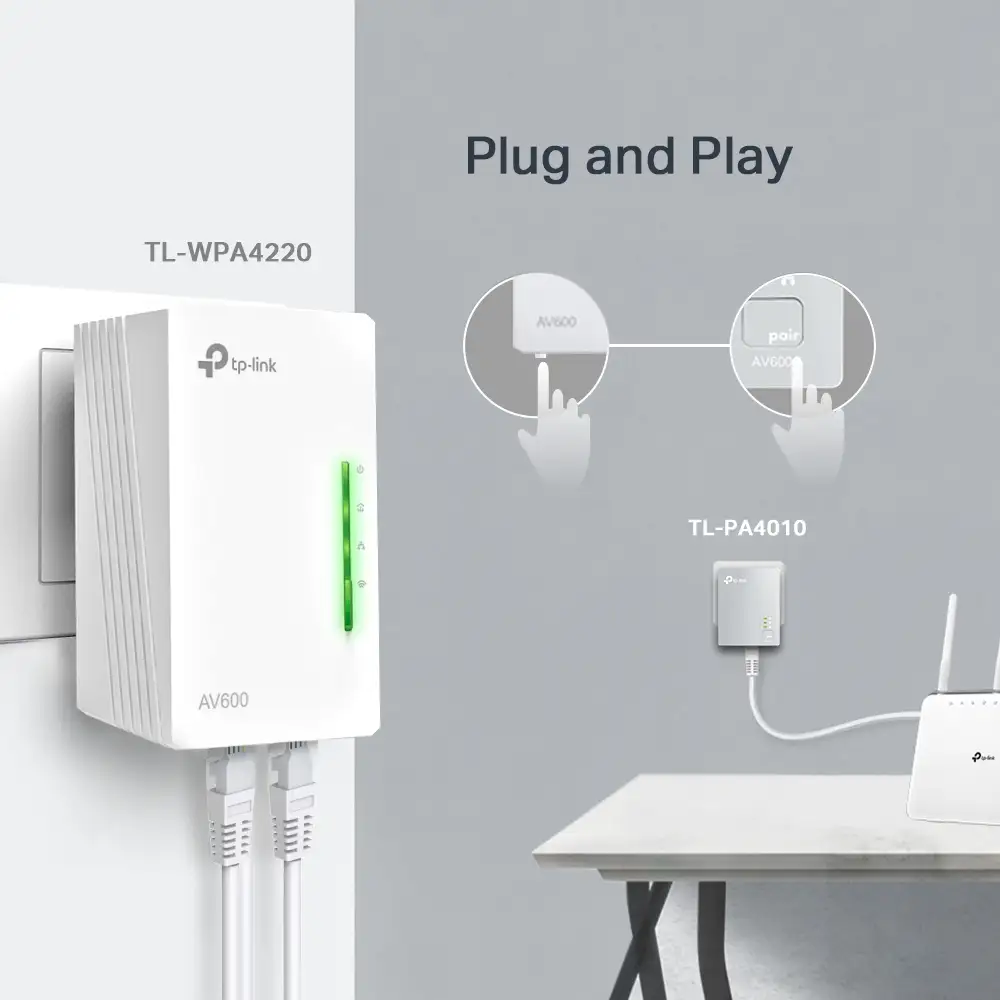
  • Plug and Play – Set up your powerline network and start enjoying fast, seamless wired/wireless connections in minutes.
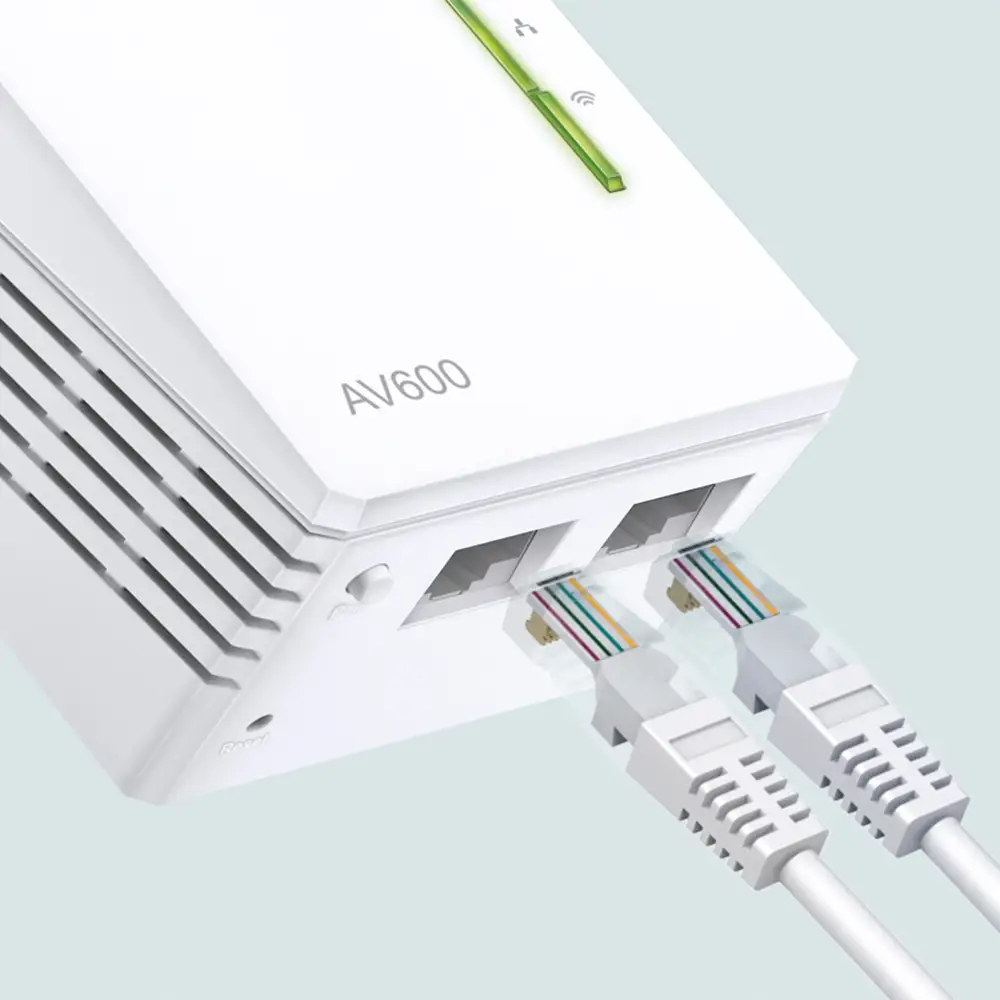
  • 2 Ethernet Ports – The TL-WPA4220 (Wi-Fi extender) provides reliable high-speed wired connection for game consoles, smart TVs and more.
  • One-Touch Wi-Fi Configuration – One press of the Wi-Fi button copies the network name and password from your router. Any setting changes will be automatically applied to the entire Powerline network.
  • Wi-Fi Auto-Sync – Add additional extenders to your powerline network by pair button, uniformly sync settings such as SSID, password, Wi-Fi Schedule and LED Schedule for all network devices
  • Easy Management – Gives you easy control of your network through a powerful web interface, the user-friendly tpPLC Utility and the intuitive tpPLC mobile app
HARDWARE FEATURES
Transmission Speeds Powerline: up to 600 Mbps
Ethernet: 10/100 Mbps
Standards and Protocols HomePlug AV2, IEEE 1901, IEEE 802.3, IEEE 802.3u, IEEE 802.11b/g/n
Compatibility Compatible with all HomePlug AV & AV2 standard powerline adapters
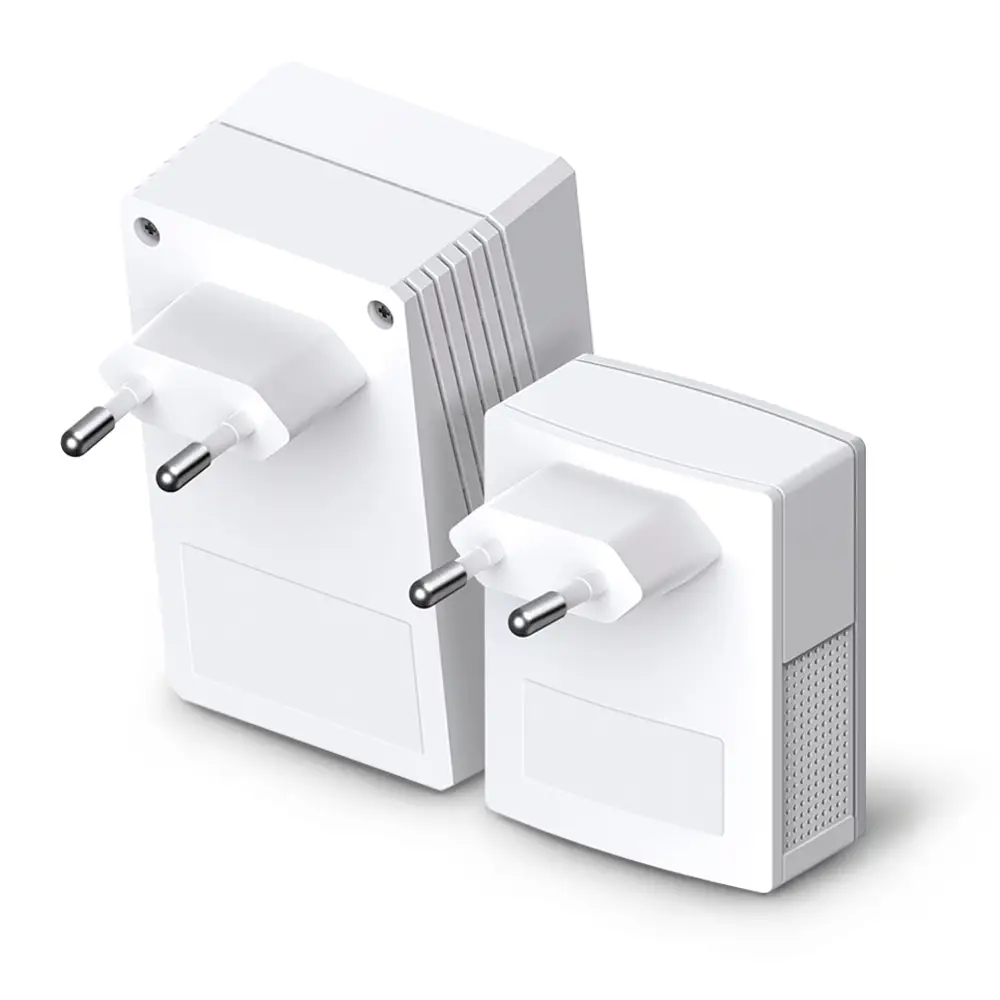
Plug Type EU
Interface TL-WPA4220: 2 Ethernet Ports
TL-PA4010: 1 Ethernet Port
Button Pair, Reset, Wi-Fi Clone
Power Consumption TL-WPA4220: Maximum: 5.6W, Typical: 5.2W
TL-PA4010: Maximum: 2.6W, Typical: 2.3W
LED Indicator Power, Powerline, Ethernet, Wi-Fi
Dimensions ( W x D x H ) TL-WPA4220: 2.1 × 1.6 ×3.7 in (54 × 40 × 94 mm)
TL-PA4010: 2.0 × 1.1 × 2.6 in (52 × 28.5 × 65 mm)
Range Up to 300 meters/1000 feet over existing electrical wiring
WIRELESS FEATURES
Wireless Security WPA-PSK / WPA2-PSK, WEP Encrptions
SOFTWARE FEATURES
Management tpPLC-Scan the QR code to download TP-Link tpPLC App.
Or download new tpPLC Utility on PCs: www.tp-link.com.
Modulation Technology OFDM (PLC)
Encryption Powerline Security: 128-bit AES Encryption
Wireless Security:WPA-PSK / WPA2-PSK, WEP Encrptions
OTHERS
Certification CE, RoHS
Package Contents AV600 Powerline Wi-Fi Kit: TL-WPA4220 & TL-PA4010
2× Ethernet Cables
1× Quick Installation Guide
System Requirements Windows 10/8.1/8/7/Vista/XP, Mac OS, Linux
Environment Operating Temperature: 0°C~40°C (32°F~104°F)
Operating Humidity: 10%~90% non-condensing
Storage Humidity: 5%~90% non-condensing

Reviews

There are no reviews yet.

Be the first to review “TP-Link TL-WPA4220 KIT”

Your email address will not be published. Required fields are marked *

Related Products

What TP-Link TL-WPA4220 KIT is

TP-Link TL-WPA4220 KIT is a powerline adapter that carries internet from room to room over the electrical wiring. It is used to get a stable connection into a far room, a garage or an upper floor without opening walls or running cable.

How it works: one adapter plugs into a socket next to the router, the second into the room that needs the connection. The best result comes when both sockets are on the same electrical circuit; plugging into an extension lead or a surge protector lowers the speed.

Key specifications

HomePlug AV2 Standard - Provides fast powerline transfer speeds of up to 600 Mbps*
300Mbps Wi-Fi - Extend 300 Mbps wireless connections to previously hard-to-reach areas of your home and office*
Plug and Play - Set up your powerline network and start enjoying fast, seamless wired/wireless connections in minutes.
2 Ethernet Ports - The TL-WPA4220 (Wi-Fi extender) provides reliable high-speed wired connection for game consoles, smart TVs and more.
One-Touch Wi-Fi Configuration - One press of the Wi-Fi button copies the network name and password from your router. Any setting changes will be automatically applied to the entire Powerline network.
Wi-Fi Auto-Sync - Add additional extenders to your powerline network by pair button, uniformly sync settings such as SSID, password, Wi-Fi Schedule and LED Schedule for all network devices
Easy Management - Gives you easy control of your network through a powerful web interface, the user-friendly tpPLC Utility and the intuitive tpPLC mobile app

Price in Baku, delivery and installation

The current price on the site is 172 ₼. It includes the official TP-Link warranty, delivery in Baku and shipping to the regions on request.

If you also need installation, our Wi-Fi and router installation service starts from 25 ₼; the site visit and quote in Baku are free and we give a 6-month warranty.

Before you choose

For a comparison with the closest models, a price table and buying advice, see the guide for this category.

Frequently asked questions about TP-Link TL-WPA4220 KIT

Is it better than a Wi-Fi extender?

If the wall is thick or several rooms sit in between — yes. Powerline carries the signal over copper rather than radio, so walls do not get in the way. Models with Wi-Fi give you both a cable port and a new Wi-Fi point.

Does it work on old wiring?

It does, but the speed depends on the condition of the circuit. In older buildings the result is lower, so it is worth testing the adapters first and, where possible, choosing sockets on the same phase.

How many adapters can work together?

Several adapters normally coexist on the same network — you can buy a kit and add a third unit later. The only requirement is a compatible standard.

What about warranty and delivery?

The device is sold by the official TP-Link partner in Azerbaijan with official warranty. Delivery in Baku is available and shipping to the regions is possible. If you need installation, see our services page.

Select the fields to display. The others will be hidden. Drag to reorder.
  • Image
  • SKU
  • Rating
  • Price
  • In stock
  • Availability
  • Add to cart
  • Short description
  • Description
  • Specifications
Click outside to hide the compare bar
Compare