




| Hardware | |
|---|---|
| Interface | PCI |
| Antenna | 3× omni-directional antennas |
| Wireless | |
|---|---|
| Standards | IEEE 802.11n/b/g 2.4 GHz |
| Speed | N300 — 300 Mbps |
| Compatibility | |
|---|---|
| Systems | Windows (official drivers from the TP-Link site) |
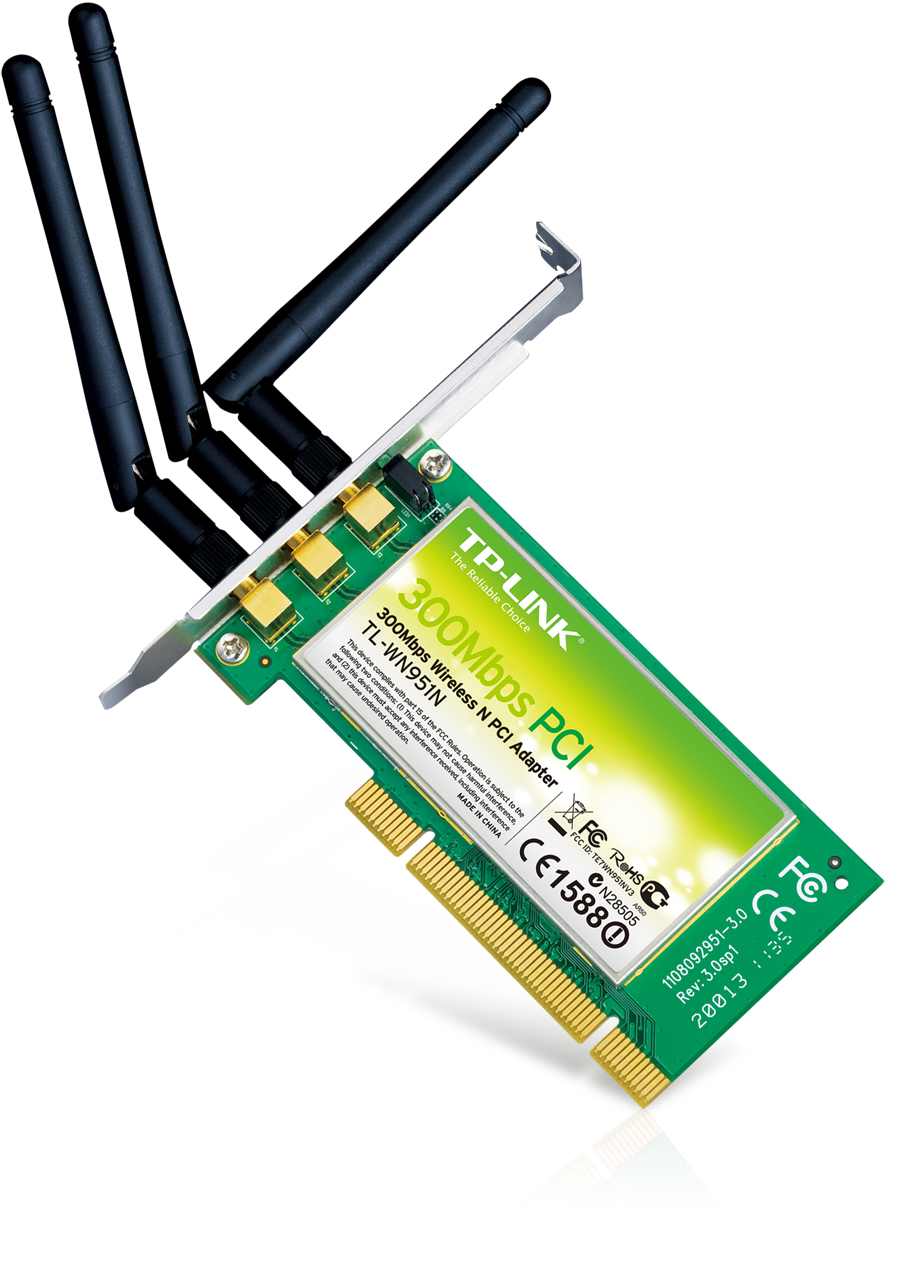
300Mbps Wireless N PCI Adapter
10 ₼

| Hardware | |
|---|---|
| Interface | PCI |
| Antenna | 3× omni-directional antennas |
| Wireless | |
|---|---|
| Standards | IEEE 802.11n/b/g 2.4 GHz |
| Speed | N300 — 300 Mbps |
| Compatibility | |
|---|---|
| Systems | Windows (official drivers from the TP-Link site) |
TP-Link TL-WN951N 300Mbps Wireless N PCI Adapter is an adapter that adds Wi-Fi to a computer or laptop. It is the simplest fix for a desktop PC with no built-in Wi-Fi and for older laptops with weak reception.
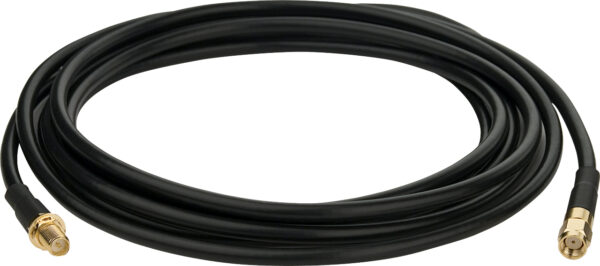
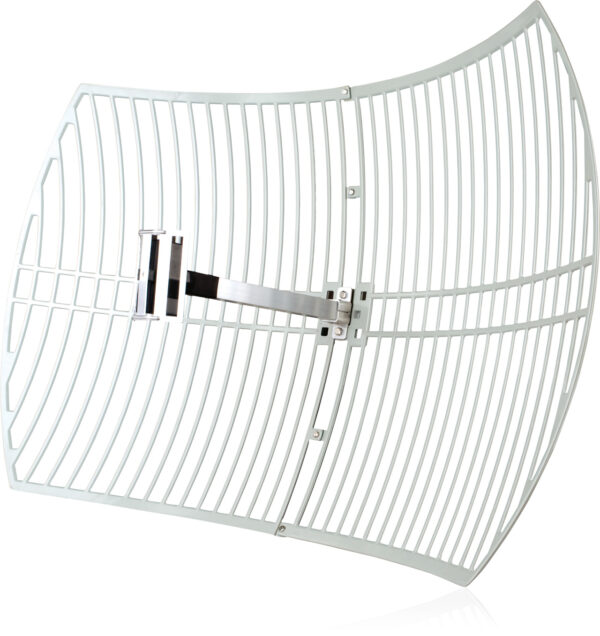
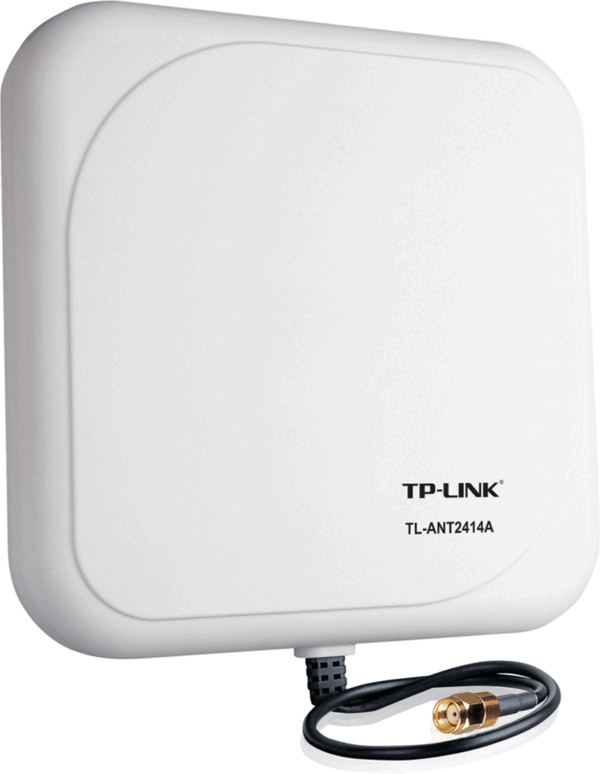
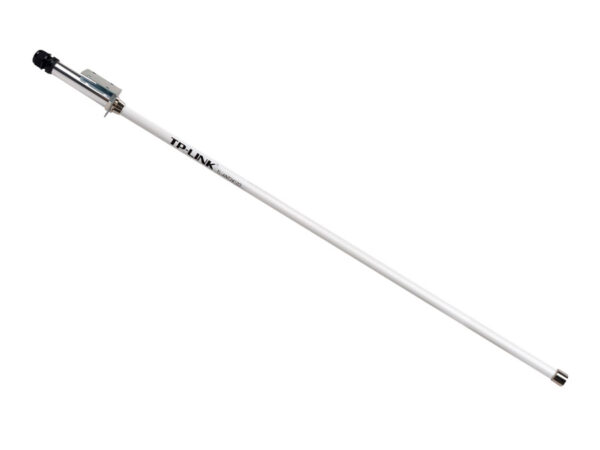
Buying advice: if your router supports 5 GHz (Wi-Fi 5/6), a dual-band adapter is worth it — a 2.4 GHz-only model throws away most of the speed. If the computer sits under a desk, a version with an extension cable or an external antenna will hold the signal better.
| Gives a desktop PC Wi-Fi | fits a PCI slot on the motherboard, with no cable runs needed. |
|---|---|
| 300 Mbps Wi-Fi on 2.4 GHz | enough for browsing, video and online gaming. |
| 3× omni-directional antennas | |
| The advantage over a USB adapter | it sits inside the case, never gets knocked loose, and cannot be lost. |
| The cheapest way to get an older desktop onto the network. | |
| In stock in Baku, with warranty. | |
The current price on the site is 10 ₼. It includes the official TP-Link warranty, delivery in Baku and shipping to the regions on request.
If you also need installation, our Wi-Fi and router installation service starts from 25 ₼; the site visit and quote in Baku are free and we give a 6-month warranty.
For a comparison with the closest models, a price table and buying advice, see the guide for this category.
On current Windows versions most models are recognised as soon as they are plugged in. For full speed and the extra features, download the driver for your model from the TP-Link site.
If the adapter standard or band is lower than the router, the adapter becomes the limit. That is why the adapter is matched to the router — a Wi-Fi 6 router deserves a Wi-Fi 6 adapter.
A USB adapter is convenient and moves between computers; a PCIe card gives a steadier signal and room for an antenna. If the computer stays in one place and you can open the case, PCIe gives the better result.
The device is sold by the official TP-Link partner in Azerbaijan with official warranty. Delivery in Baku is available and shipping to the regions is possible. If you need installation, see our services page.


Reviews
There are no reviews yet.