






TP-Link SG6428X
Omada 24-Port Gigabit Stackable L3 Managed Switch with 4 10G Slots
1973 ₼

Installment payment calculator with Birbank
Installment payment terms apply to the non-discounted price
Installment payment terms apply to the non-discounted price
Monthly payment
1072.5 ₼
- 24× Gigabit RJ45 ports and 4× 10 Gbps SFP+ slots
- 128 Gbps switching capacity per unit
- Physical stacking for built-in redundancy and performance
- L3 features: RIP, OSPF, ECMP, VRRP, PIM-DM, DHCP Server/Relay
- Security Strategies: ACL, Port Security, DoS Defend, 802.1X
- Highly Available with two internal fixed power supplies, VRRP, and ERPS
- Centralized cloud management via the Omada SDN controller
- Standalone management via web, CLI, SNMP, and RMON
| HARDWARE FEATURES | |
|---|---|
| Interface | • 24× 10/100/1000 Mbps RJ45 Ports • 4× 10G SFP+ Slots • 2× USB 2.0 Ports • 1× RJ45 Console Port • 1× USB Type-C Console Port • 1× RJ45 Management Port |
| Fan Quantity | Four Internal Fixed Fans |
| Power Supply | Two Internal Fixed Power Supply Modules (100–240 VAC, 50/60 Hz) |
| Dimensions ( W x D x H ) | 17.3 × 15.0 × 1.7 in (440 × 380 × 44 mm) |
| Mounting | Rackmountable |
| Max Power Consumption | 28.4 W (220 V/50 Hz) |
| Max Heat Dissipation | 96.91 BTU/hr (220 V/50 Hz) |
| PERFORMANCE | |
|---|---|
| Switching Capacity | 128 Gbps per Unit |
| Stacking | • Stacking Number: 8 • Stacking Port: 10G SFP+ Slot (all uplink ports can be used as stacking ports) • Stack Bandwidth: Up to 80 Gbps (4 stack ports) |
| Packet Forwarding Rate | 95.2 Mpps |
| MAC Address Table | 32 K |
| Packet Buffer Memory | 3 MB |
| Jumbo Frame | 9 KB |
| SOFTWARE FEATURES | |
|---|---|
| Quality of Service | • Class of Service – 8 Queues of Priority – Port Priority – IEEE 802.1p Priority – DSCP Priority – Queue Min-Bandwidth – Schedule Mode (SP, WRR, SP+WRR) • Bandwidth Control – Rate Limit – Storm Control • Voice VLAN • User-Defined OUI • Smoother Performance • Action for Flows – QoS remark (802.1P Remark, DSCP Remark) |
| L3 Features | • IP Interfaces: – IPv4: Max 256, IPv6: Max 256 • Static Routing – Max 1,024, IPv6: Max 512 • Host Route Table: Max 6,100 entries • RIP: Version v1/v2, Max 8,190 • OSPF: Version v2/v3; v2: Max 8,190, v3: Max 4,097 • VRRP: Version v2/v3, Max 64 groups • ECMP: 256 entries, max 32 ECMP Nexthops per Destination • Static ARP: 512 static entries • Dynamic ARP: 7,680 dynamic entries • Proxy ARP • DHCP Server: – Max 8K IP Pools – Max 1,000 Manual Binding Entries • DHCP Relay: – Relayed Interface – Relayed VLAN |
| L2 and L2+ Features | • Link Aggregation • Spanning Tree Protocol • Port-based and VLAN-based Loopback Detection • 802.3x Flow Control • Supports 2,048 IGMP groups • ERPS • Mirroring • RSPAN • MAC Address Table • PIM-DM (IPv4) • Multicast – IGMP Snooping – MLD Snooping – L2 Multicast Table – Fast Leave – Multicast VLAN Registration (MVR) – Static Multicast IP – Multicast Filtering |
| Advanced Features | • Automatic Device Discovery† • Batch Configuration† • Batch Firmware Upgrading† • Intelligent Network Monitoring† • Abnormal Event Warnings† • Unified Configuration† • Reboot Schedule† ISP Features: |
| VLAN | • Max 4K VLAN Group (802.1q VLAN) • 802.1Q Tagged VLAN • MAC VLAN Entries: 200 • Multicast VLAN • Management VLAN • VLAN VPN (QinQ): Max 256 entries • GVRP • Protocol VLAN: Protocol Template 16, Protocol VLAN 12 entries • VLAN VPN • Voice VLAN • Private VLAN |
| Security | • Port Isolation • CPU-Defend • ARP Inspection (Dynamic ARP Inspection) • DoS Defend • IP-MAC-Port Binding -1,024 Entries – DHCP Snooping – ARP Inspection – IPv4 Source Guard • IPv6-MAC -Port Binding -1,024 Entries – DHCPv6 Snooping – ND Detection – ND Snooping – IPv6 Source Guard • DHCP Filter • Static/Dynamic Port Security – Up to 64 MAC addresses per port • Broadcast/Multicast/Unknown-unicast Storm Control – kbps/ratio control mode • 802.1X – Port base authentication – Mac base authentication – VLAN Assignment – MAB – Guest VLAN – RADIUS authentication and accountability support • AAA (including TACACS+) • Secure web management through HTTPS with SSLv3/TLS 1.2 • Secure Command Line Interface (CLI) management with SSHv2 • IP/Port/MAC-based access control |
| MANAGEMENT | |
|---|---|
| Omada App | Yes. Requiring the use of the Omada Hardware Controller, Omada Cloud-Based Controller, or Omada Software Controller. |
| Centralized Management | • Omada Cloud-Based Controller • Omada Hardware Controller • Omada Software Controller |
| Cloud Access | Yes. Requiring the use of the Omada Hardware Controller, Omada Cloud-Based Controller, or Omada Software Controller. |
| Zero-Touch Provisioning | Yes. Requiring the use of the Omada Cloud-Based Controller. |
| Management Features | • Web-based GUI • Command Line Interface (CLI) through console port, telnet • SNMPv1/v2c/v3 – Trap/Inform – RMON (1, 2, 3, 9 groups) • SDM Template • DHCP/BOOTP Client • 802.1ab LLDP/LLDP-MED • DHCP Auto Install • Dual Image, Dual Configuration • CPU Monitoring • Cable Diagnostics • Password Recovery • SNTP • System Log • EEE |
| OTHERS | |
|---|---|
| Package Contents | • SG6428X Switch • 2× Power Cords • RJ45 Console Cable • Quick Installation Guide • Rackmount Kit • Rubber Feet |
| System Requirements | Microsoft® Windows® 98SE, NT, 2000, XP, Vista™ or Windows 7/8/10/11, MAC® OS, NetWare®, UNIX® or Linux. |
| Environment | • Operating Temperature: -5 °C to 50 °C (23 °F to 122 °F) @ 300 meters -5 °C to 45 °C (23 °F to 113 °F) @ 2,000 meters -5 °C to 40 °C (23 °F to 104 °F) @ 3,000 meters • Storage Temperature: -40 °C to 70 ℃ (-40 ℉ to 158 ℉) |
Related Products
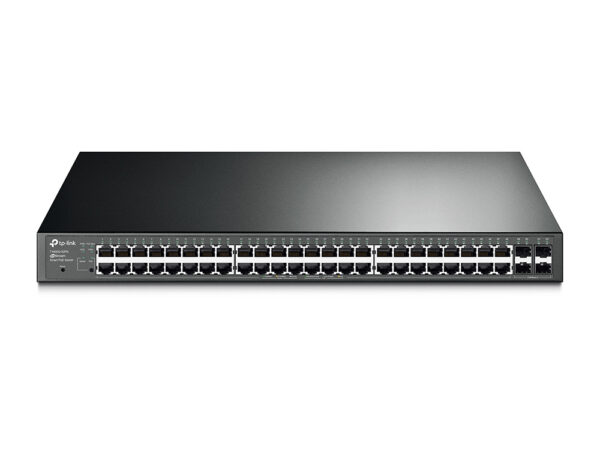

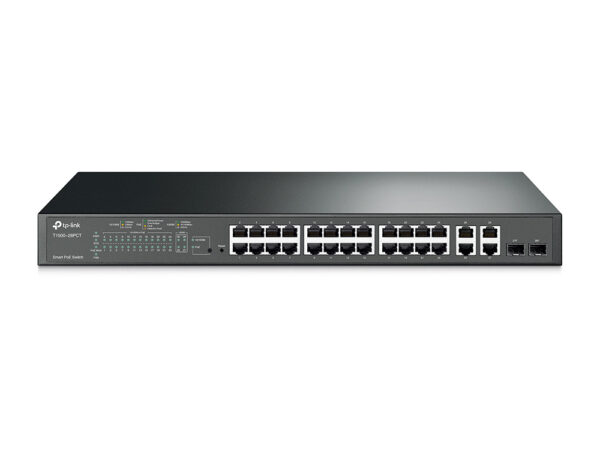
TP-Link T1500-28PCT JetStream 24-Port 10/100Mbps + 4-Port Gigabit Smart PoE+ Switch
24-Port 10/100Mbps +…
524 ₼
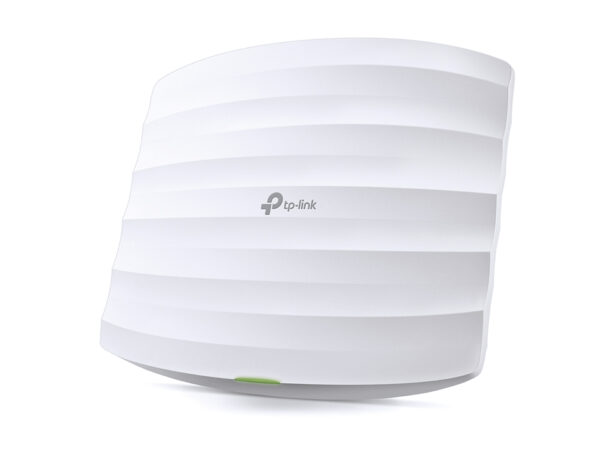
TP-Link EAP320 AC1200 Wireless Dual Band Gigabit Ceiling Mount Access Point
AC1200 Wireless Dual…
176 ₼
What TP-Link SG6428X is for
TP-Link SG6428X is a switch for extending a wired network. People buy one when the router has run out of ports and cameras, computers, a printer, an NVR and access points all need to join the same network. A wired connection is always more stable and lower-latency than Wi-Fi.
Buying advice: take 30–50% more ports than you need today, so you do not have to replace the switch when another camera or computer arrives. If cameras will be connected, choose a model with PoE ports and make sure the power budget (W) exceeds the total draw of those cameras.
Key specifications
| 24× Gigabit RJ45 ports and 4× 10 Gbps SFP+ slots | |
| 128 Gbps switching capacity per unit | |
| Physical stacking for built-in redundancy and performance | |
| L3 features | RIP, OSPF, ECMP, VRRP, PIM-DM, DHCP Server/Relay |
|---|---|
| Security Strategies | ACL, Port Security, DoS Defend, 802.1X |
| Highly Available with two internal fixed power supplies, VRRP, and ERPS | |
| Centralized cloud management via the Omada SDN controller | |
| Standalone management via web, CLI, SNMP, and RMON | |
Price in Baku, delivery and installation
The current price on the site is 1973 ₼. It includes the official TP-Link warranty, delivery in Baku and shipping to the regions on request.
If you also need installation, our Office network setup service starts from 200 ₼; the site visit and quote in Baku are free and we give a 6-month warranty.
Before you choose
For a comparison with the closest models, a price table and buying advice, see the guide for this category.
A detailed article on this topicHow to Choose a PoE Switch for IP Cameras and Access Points Read →
Frequently asked questions about TP-Link SG6428X
What is the difference between managed and unmanaged?
An unmanaged switch works the moment you plug it in and needs no configuration — enough for a home or a small office. Managed (and Easy Managed) models add VLANs, QoS, port isolation and monitoring, which you need when the camera network must be separated from the office network or traffic has to be controlled.
Does TP-Link SG6428X power the cameras?
Only on models with PoE ports. With PoE, a single network cable to the camera is enough — no separate socket. The total power budget of the switch must be higher than the combined draw of the cameras.
Do you build office networks?
Yes. Our office network service covers cabling, placing switches and access points, and configuring VLANs and Wi-Fi. The site visit and quote in Baku are free.
What about warranty and delivery?
The device is sold by the official TP-Link partner in Azerbaijan with official warranty. Delivery in Baku is available and shipping to the regions is possible. If you need installation, see our services page.
Reviews
There are no reviews yet.