




| MEDIA CONVERTER & MODULE | |
|---|---|
| Standards and Protocols | IEEE 802.3i, IEEE 802.3u, IEEE 802.3ab, IEEE 802.3z |
| Basic Function | Auto-negotiation of Half-Duplex / Full-Duplex transfer mode Extends fiber distance up to 20km |
| Ports | • 2× 1000M SC/UPC ports • 1× 10/100/1000M RJ45 port (Auto MDI/MDIX) |
| Wave Length | 1310nm |
| Network Media 1000BASE-LX | Single-mode Fiber |
| Network Media 1000BASE-T | UTP category 5, 5e cable (maximum 100m) EIA/TIA-568 100Ω STP (maximum 100m) |
| LED Indicators | PWR, Link/Act |
| Dimensions (W*D*H) | 3.7*2.9*1.1 in. (94.5*73.0*27.0 mm) |
| Power Supply | External Power Adapter |
| Max Power Consumption | 1.8W |
| Safety & Emission | FCC, CE, RoHS |
| Package Contents | • MC210CS • Power Adapter • Installation Guide |
| Environment | • Operating Temperature: 0℃~50℃ (32℉~122℉) • Storage Temperature: -40℃~70℃ (-40℉~158℉) • Operating Humidity: 10%~90% non-condensing • Storage Humidity: 5%~90% non-condensing |

TP-Link MC210CS
Omada Gigabit Single-Mode Media Converter
Original price was: 89 ₼.81 ₼Current price is: 81 ₼.

Installment payment calculator with Birbank
Installment payment terms apply to the non-discounted price
Installment payment terms apply to the non-discounted price
Monthly payment
44.5 ₼
The TP-Link MC210CS is a gigabit media converter that turns a copper (Ethernet) network into optical fibre. Ordinary UTP cable loses signal past 100 metres, while this unit extends a link up to 20 kilometres — enough to join separate addresses across a city, or distant buildings on a large site, at gigabit speed.
The MC210CS is made for single-mode fibre and runs the 1000BASE-LX standard. 1000 Mbps is enough for networks carrying cameras, servers and heavy file transfer.
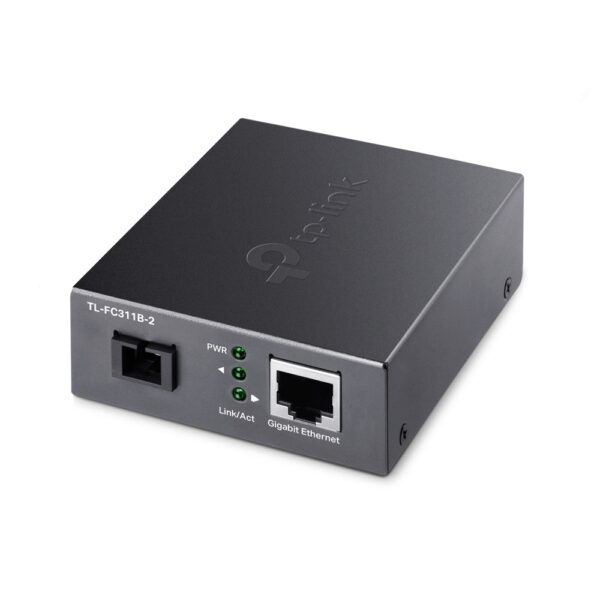
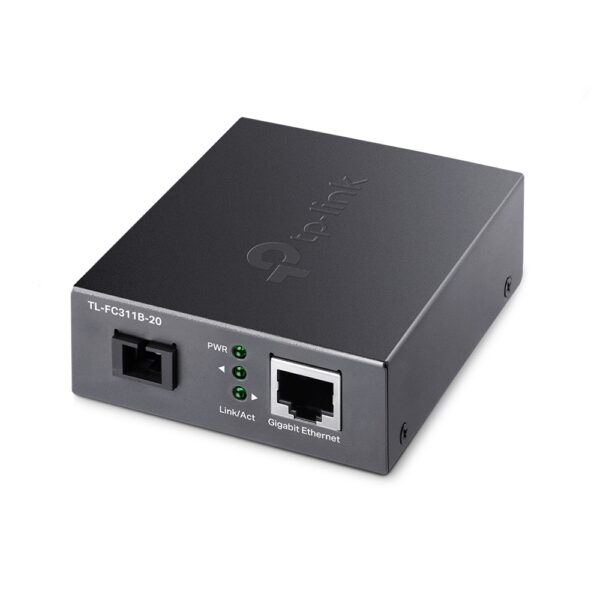
Ports: 2× 1000M SC/UPC fibre ports and 1× 10/100/1000 Mbps RJ45 port (Auto MDI/MDIX). Wavelength is 1310 nm. The unit auto-negotiates between half and full duplex and needs no configuration — simply connect it.
- Gigabit (1000 Mbps) media converter
- Single-mode optical fibre
- Range up to 20 km
- 2× 1000M SC/UPC fibre ports
- 1× 10/100/1000 Mbps RJ45 (Auto MDI/MDIX)
- 1310 nm wavelength
- 1000BASE-LX standard
- No configuration needed
The unit arrives ready to install. Sold in Baku with official partner warranty.
Related Products
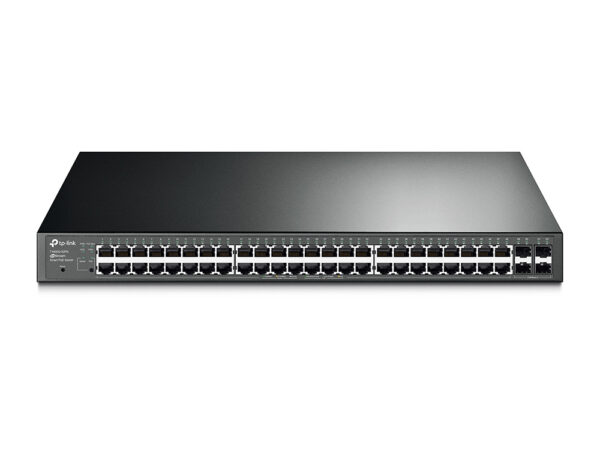

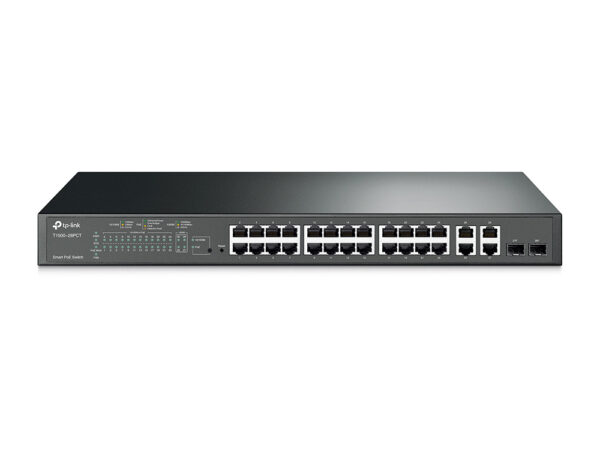
TP-Link T1500-28PCT JetStream 24-Port 10/100Mbps + 4-Port Gigabit Smart PoE+ Switch
24-Port 10/100Mbps +…
524 ₼
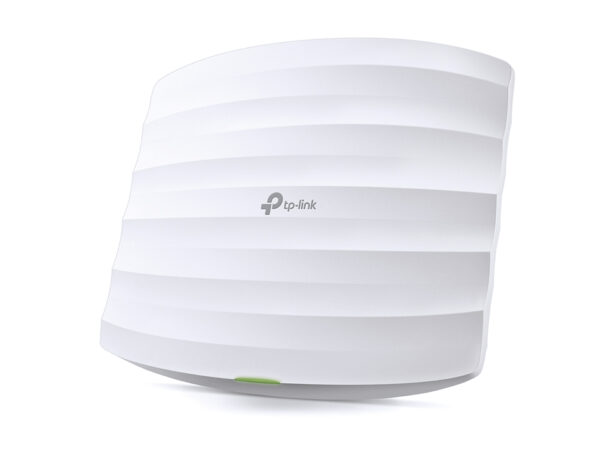
TP-Link EAP320 AC1200 Wireless Dual Band Gigabit Ceiling Mount Access Point
AC1200 Wireless Dual…
176 ₼
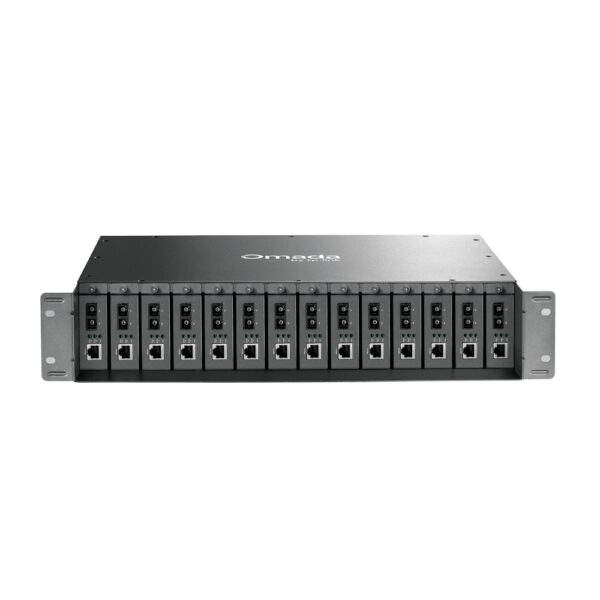
TP-Link MC210CS — Omada access point
TP-Link MC210CS is part of the TP-Link Omada system: it is built to give steady Wi-Fi to many users at once — in an office, shop, cafe, hotel or warehouse. Unlike a home router it holds a large number of devices in parallel and is managed centrally.
Who it suits: places where 20–30 or more devices connect, offices spread over several rooms, shops and cafes that need guest Wi-Fi. The access points are gathered into one panel through an Omada controller (OC200 or cloud), and the guest network is kept separate from the main one.
Key specifications
| Gigabit (1000 Mbps) media converter | |
| Single-mode optical fibre | |
| Range up to 20 km | |
| 2× 1000M SC/UPC fibre ports | |
| 1× 10/100/1000 Mbps RJ45 (Auto MDI/MDIX) | |
| 1310 nm wavelength | |
| 1000BASE-LX standard | |
| No configuration needed |
Price in Baku, delivery and installation
The current price on the site is 81 ₼. It includes the official TP-Link warranty, delivery in Baku and shipping to the regions on request.
If you also need installation, our Office network setup service starts from 200 ₼; the site visit and quote in Baku are free and we give a 6-month warranty.
Before you choose
For a comparison with the closest models, a price table and buying advice, see the guide for this category.
A detailed article on this topicWhat Is Omada? Business Wi-Fi for Offices, Cafés and Hotels Read →
Frequently asked questions about TP-Link MC210CS
Do I need a controller for TP-Link MC210CS?
A single access point can run in standalone mode. From two points up a controller (the OC200 hardware, or the software/cloud version) makes life much easier: every point appears in one panel, settings are entered once, and roaming between points behaves properly.
How is it powered?
The access points are powered over the network cable via PoE — no socket needed in the ceiling. A PoE switch or the injector in the box does the job; as the number of points grows a PoE switch becomes the cheaper option.
Can I set up guest Wi-Fi in a cafe?
Yes. In Omada the guest network is a separate SSID with access to the main network blocked, and you can add a login portal, time limits and speed limits.
What about warranty and delivery?
The device is sold by the official TP-Link partner in Azerbaijan with official warranty. Delivery in Baku is available and shipping to the regions is possible. If you need installation, see our services page.
Reviews
There are no reviews yet.