Media Converters

Filters

About Media Converters.

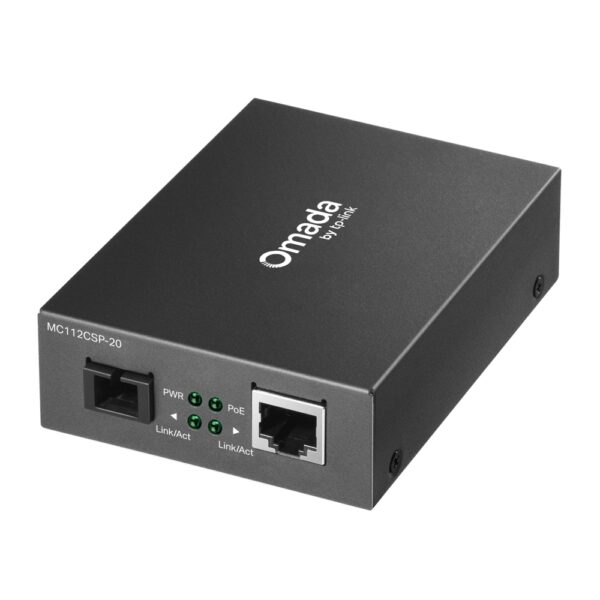
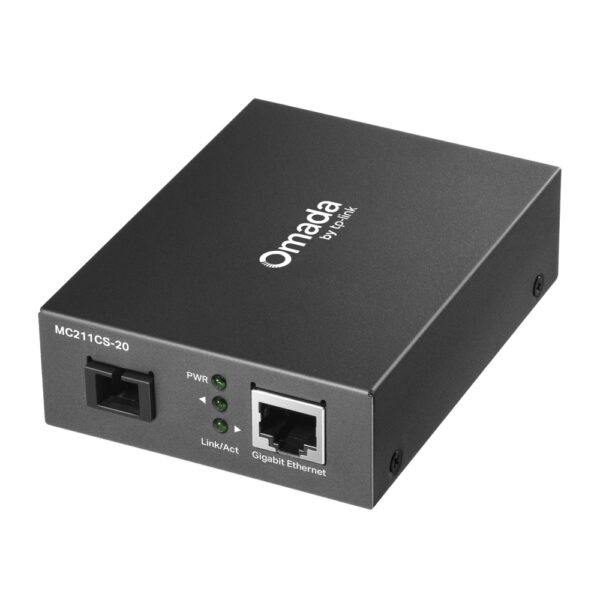
TP-Link Media konverterlər fiber və mis kabel şəbəkələri arasında etibarlı körpü yaradaraq məlumat ötürülməsini daha sürətli və stabil edir. Bu həllər Ethernet-i fiberə çevirmə ehtiyacı olan ofislər, biznes mərkəzləri, anbarlar və kampus tipli infrastruktur üçün idealdır. TP-Link media konverterləri yüksək keyfiyyətli komponentlər və müasir texnologiyalar sayəsində uzun məsafələrdə belə minimum siqnal itkisi ilə işləyir, şəbəkənizin dayanıqlığını artırır.

Məhsullar adətən Gigabit Ethernet dəstəyi, Auto-Negotiation, Full/Half Duplex, eləcə də Auto MDI/MDIX kimi funksiyalarla rahat quraşdırma və çevik istifadə imkanı yaradır. Fiber tərəfdə müxtəlif ehtiyaclara uyğun SC/SFP port seçimləri mövcuddur; bu isə həm single-mode, həm də multi-mode optik xətlərlə uyğunluğu asanlaşdırır. Nəticədə TP-Link media konverterləri router, switch, access point, IP-kamera, NVR və server kimi cihazlarla problemsiz işləyərək mövcud şəbəkənizi genişləndirməyə kömək edir.

İstifadə nümunələri çoxdur: iki bina arasında fiber xətt çəkməklə ofis şəbəkəsini birləşdirmək, CCTV sistemini uzaq məsafəyə çıxarmaq, istehsalat sahəsində elektromaqnit təsirlərdən qorunmaq və ya provayder xəttini lokal şəbəkəyə uyğunlaşdırmaq. Media konverter TP-Link seçim edərək siz sürət, uyğunluq və etibarlılığı bir arada əldə edirsiniz.
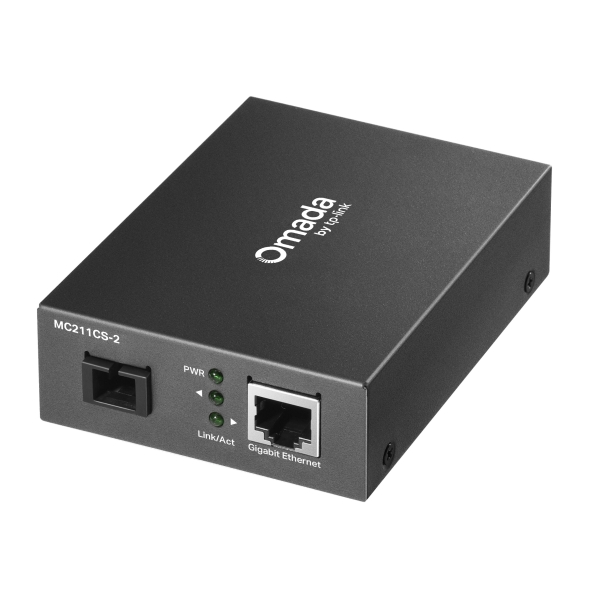
What a media converter is and when you need one

A media converter translates between copper cable (Ethernet) and fibre. People buy one for two reasons: distance — copper stops working past 100 metres while fibre runs for kilometres; and electrical safety — no current travels along fibre, so the risk from lightning and potential difference between separate buildings or across open ground disappears.

When fibre is the only answer

150 metres between a warehouse and an office; a second building across the yard; a run passing heavy electrical equipment on a production floor (copper picks up interference); a long route through a lift shaft or alongside a power cable. In these cases fibre is more dependable than stretching copper.

Three questions when choosing

QuestionAnswer
What speed?100 Mbit/s or 1 Gbit/s for a camera or office outlet; 10 Gbit/s for servers and backbone
Multimode or singlemode?Multimode for short runs inside a building; singlemode for long distances between buildings
Converter or a switch with SFP?A converter is cheaper for a single link; with several fibre links a switch with SFP ports is tidier and less expensive overall

Important: both ends need equipment of the same type, matched to the same wavelength. The fibre type (OM2/OM3 or OS2) must suit the converter as well.

The fibre route, the converters and the installation are finalised after a site visit — see our office network setup service; the visit in Baku is free.

Questions about media converters

Do converters come in pairs?

Yes, usually one at each end of the link. The exception is when the far end already has a switch with an SFP port, where a module replaces the converter.

Can PoE travel over fibre?

No current travels along fibre. If the far point has a camera or access point, it needs local power, or a PoE injector or switch placed after the fibre.

Does it work with my existing copper network?

Yes, a converter is transparent to the network — ordinary Ethernet on one side, fibre on the other. No configuration is needed.

Can I connect a camera 300 metres away?

Not over copper. With fibre and converters, yes; as an alternative you could look at a PoE switch with extended-distance mode, or a CPE wireless bridge.

Is there a warranty?

Yes, every device is sold by the official TP-Link partner in Azerbaijan with official warranty.

Need installation too?

Router and mesh setup, ISP configuration and a Wi-Fi survey — from 25 ₼. Free site visit and quote in Baku, six months warranty.

Wi-Fi installation service →
Select the fields to display. The others will be hidden. Drag to reorder.
  • Image
  • SKU
  • Rating
  • Price
  • In stock
  • Availability
  • Add to cart
  • Short description
  • Description
  • Specifications
Click outside to hide the compare bar
Compare